
AI Credits Explained
How monthly and purchased credits work, and what each AI feature costs.
AI features consume AI credits. Credits are shared by your whole workspace — one pool, visible to everyone.
Two kinds of credits
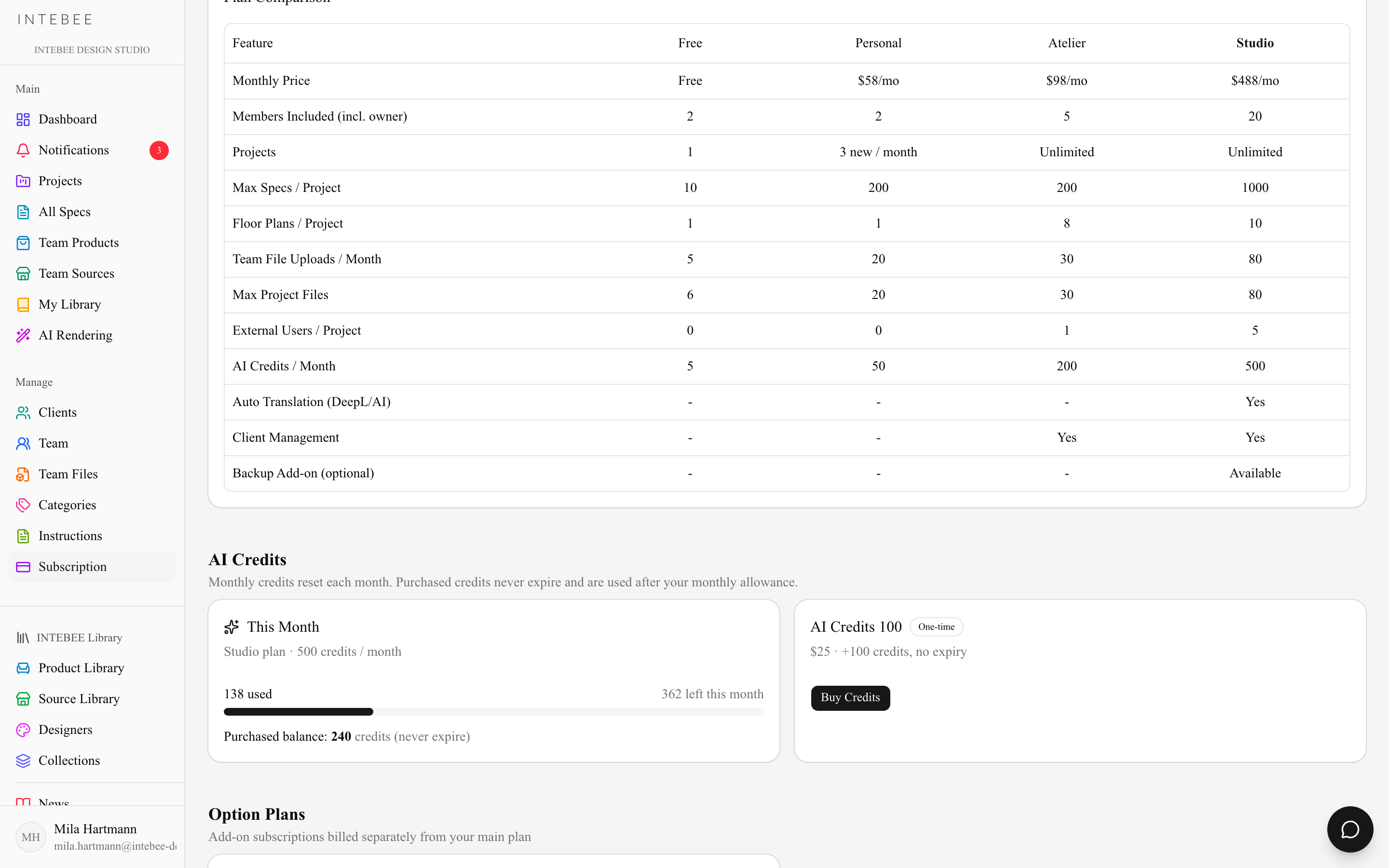
| Monthly credits | Purchased credits | |
|---|---|---|
| Where from | Included in your plan | One-time credit packs |
| Amount | Free 3 / Personal 30 / Atelier 150 / Studio 300 per month | 100 credits per pack |
| Expiry | Reset at the start of each calendar month — unused credits do not roll over | Never expire |
| Consumed | First | After the monthly allowance runs out |
What consumes credits
| Feature | Cost |
|---|---|
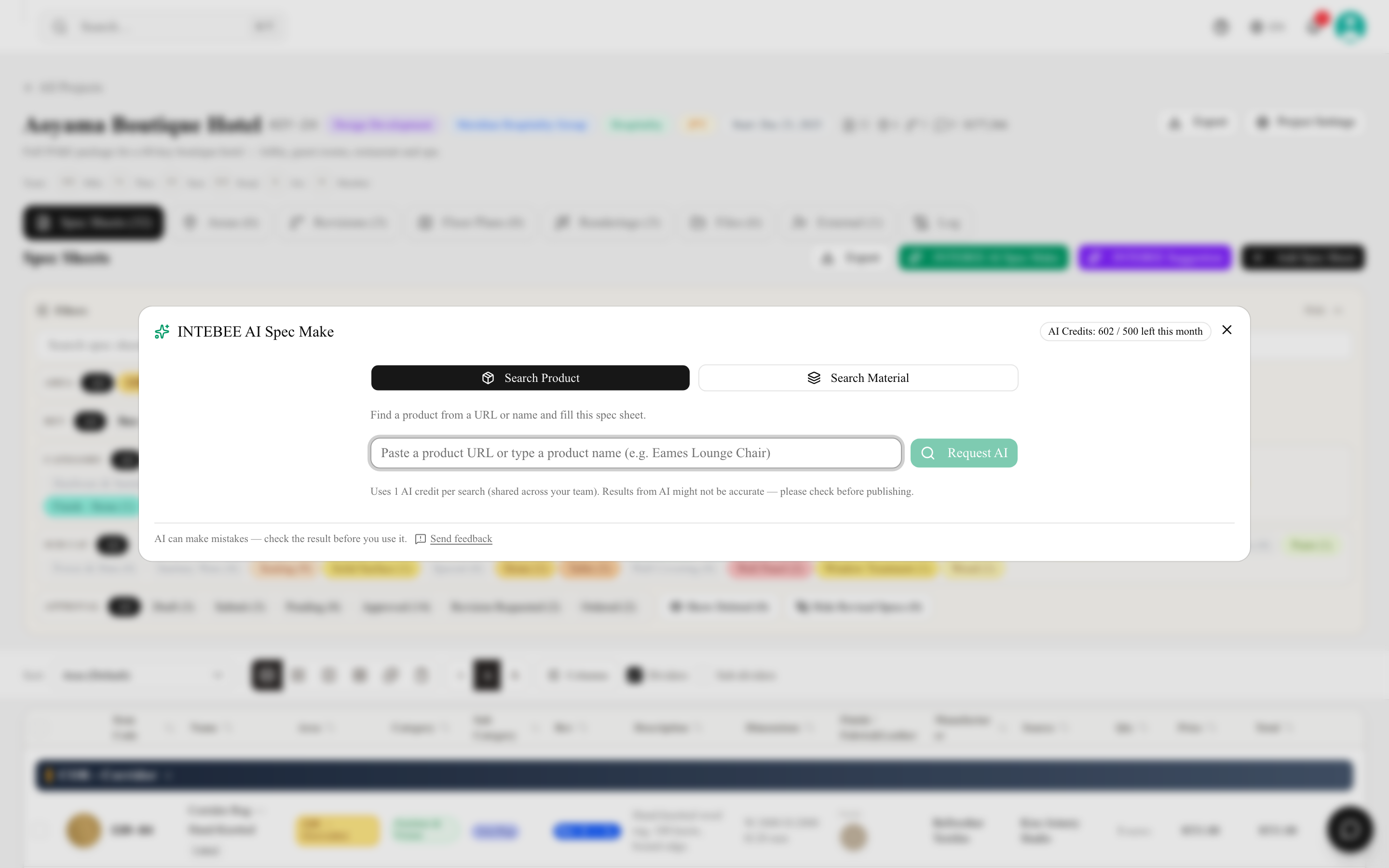
| AI Spec Make — one product or material search | 1 credit |
| AI Suggestion — one run of project-level web research | 2 credits |
| My Library — From URL (AI) import | 1 credit |
| AI Rendering — per image | 1–4 credits, depending on model and quality |
| AI Rendering — Edit image, one instruction applied to an existing rendering | the model's per-image rate |
| AI Rendering — Describe from image, which writes a prompt from a reference photo | 1 credit |
| Editing spec sheet fields — Translate All, one pass over a sheet's empty 2nd-language fields | 1 credit |
Suggest from Library is free — it reads catalogs you already have access to, so it costs nothing and returns instantly. Reach for it before anything on the list above.
If an AI operation fails on our side, the consumed credit is returned automatically — and only then. A rendering that generates successfully but isn't what you pictured has still been generated, so it still costs; in a batch, only the images that failed come back. Per-field translate buttons on a spec sheet are free, so reach for those before Translate All when you only have one field left.
Buying extra credits
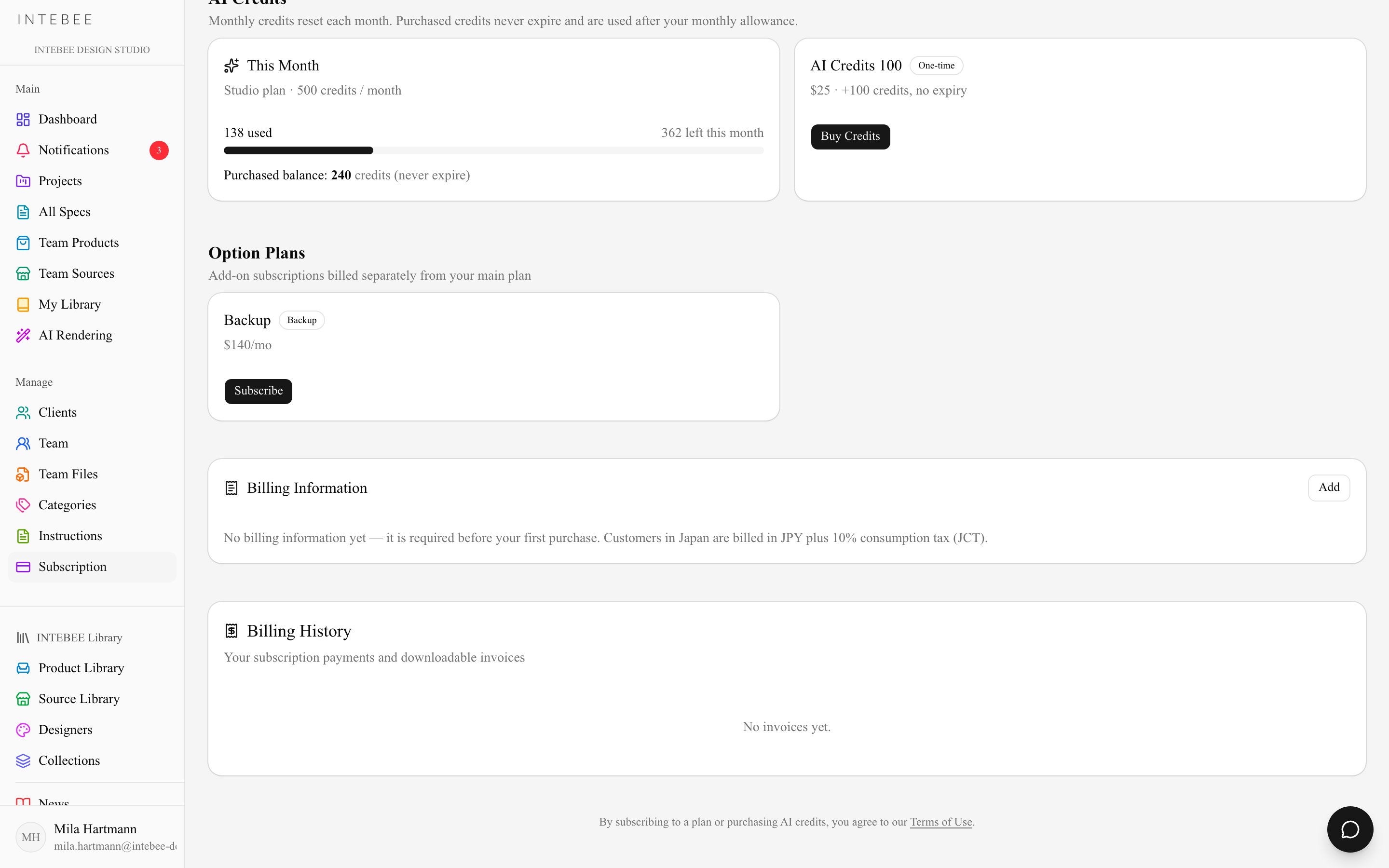
Paid plans (Personal and above) can buy one-time credit packs — the AI Credits 100 pack is 100 credits for $25 — from the AI Credits section of the Subscription page. Purchased credits sit in your workspace balance, never expire, and are used only after the month's included credits are gone. Packs are non-refundable and can't be transferred to another workspace; see the Terms of Use for details.
Checking your balance
- Subscription page — the AI Credits section shows this month's usage bar and your purchased balance.
- AI dialogs — AI Spec Make and other AI features display the remaining count inline.
Running out
When both pools hit zero, AI features pause until the month resets or you buy a pack — nothing else in INTEBEE is affected. Admins can upgrade the plan for a bigger monthly allowance.