
My Library
Your personal research space — save, tag, and reuse products, sources, and designers.
My Library is personal — unlike Team Products, it belongs to you, not the workspace. Use it to collect research: products you're considering, brands you discovered, designers you follow.
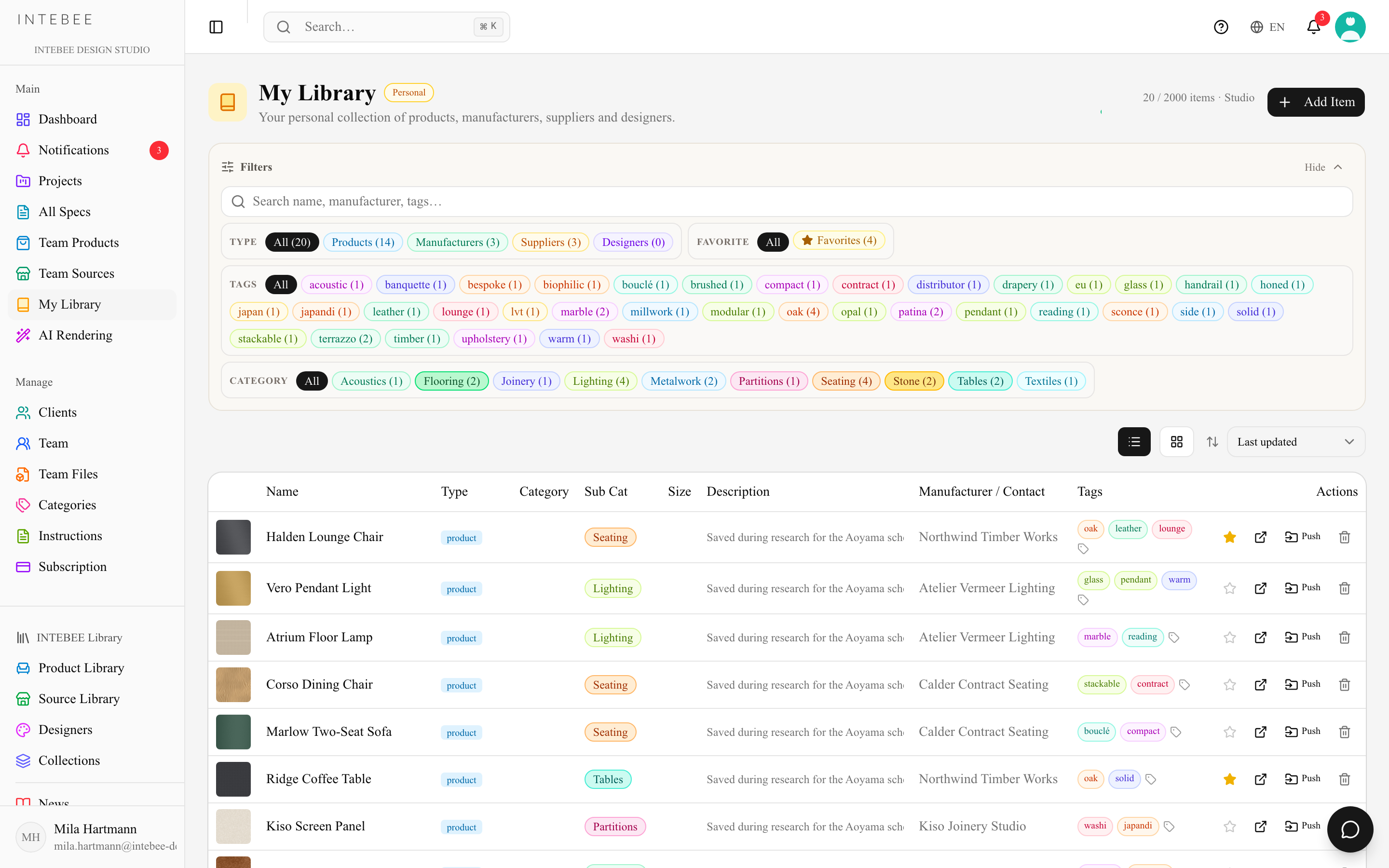
Saving items
- Bookmark buttons — on Sources, Products, and Designers pages (public library and team catalog alike), click the bookmark icon to save an item.
- From URL (AI) — click Add Item → From URL (AI) and paste any product page. AI reads the page and creates a structured library item (1 AI credit; refunded if it fails). The Manual tab of the same dialog takes a name, URL, image, description and tags typed by hand.
- From AI Spec Make — tick Also save this result to My Library when applying a search result.
Organizing
- Tags — add free-form tags and filter by tag chips.
- Favorites — star the items you keep coming back to.
- Filters — chip groups for Type (All / Products / Manufacturers / Suppliers / Designers), Favorite and Tags, plus Category and Designer groups when your saved items carry them. The search box covers name, manufacturer and tags at once.
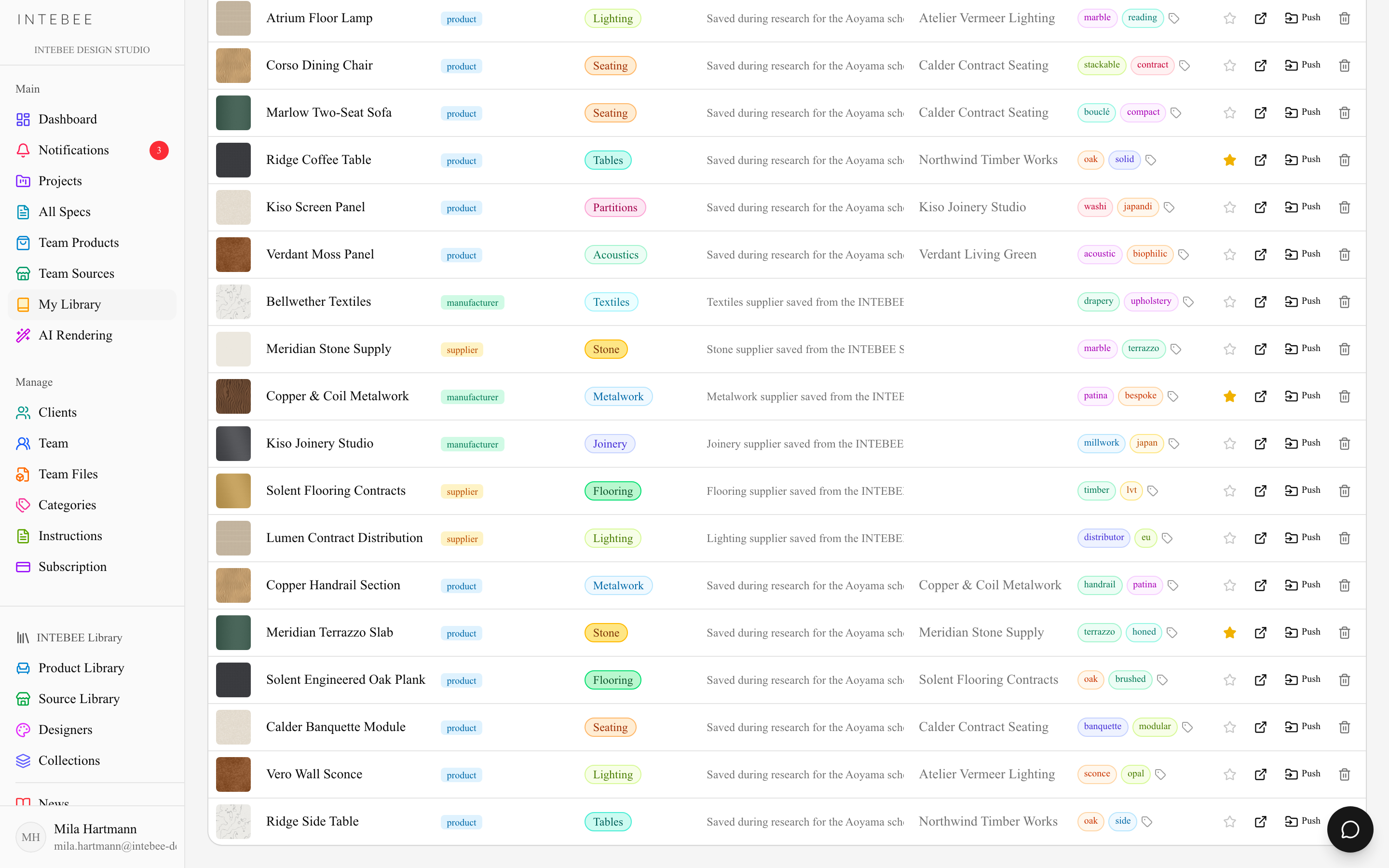
Your plan sets the library size, and the header shows where you stand (124 / 300 items): Free 50 items, Personal 200, Atelier 500, Studio 2,000.
Using library items
- Import into a spec sheet — from the spec editor choose Import from Product → My Library. Items with a linked catalog reference import as links; loose research items copy their fields.
- Push to Team — promote an item into Team Products / Team Sources so colleagues can use it. If a same-named item exists you'll be asked to confirm.
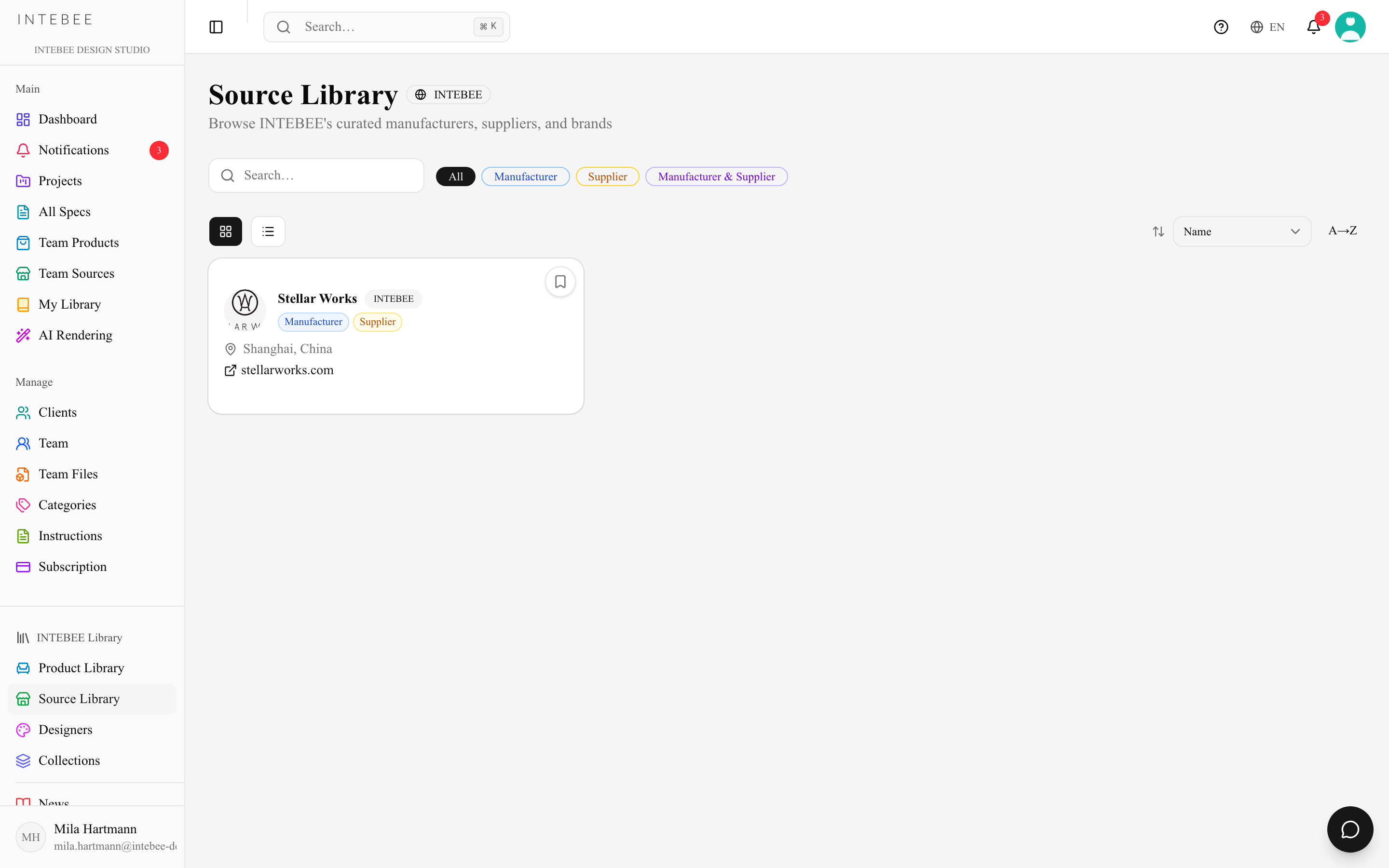
Removing an item from My Library asks first in a dialog (Remove from My Library?). When Push to Team finds a same-named item, the Already in your team dialog offers Create anyway. Push to Team is refused with a reload hint if you switched workspace in another tab after opening the page.
Privacy
Only you can see your My Library. Pushing to Team is the explicit act of sharing.