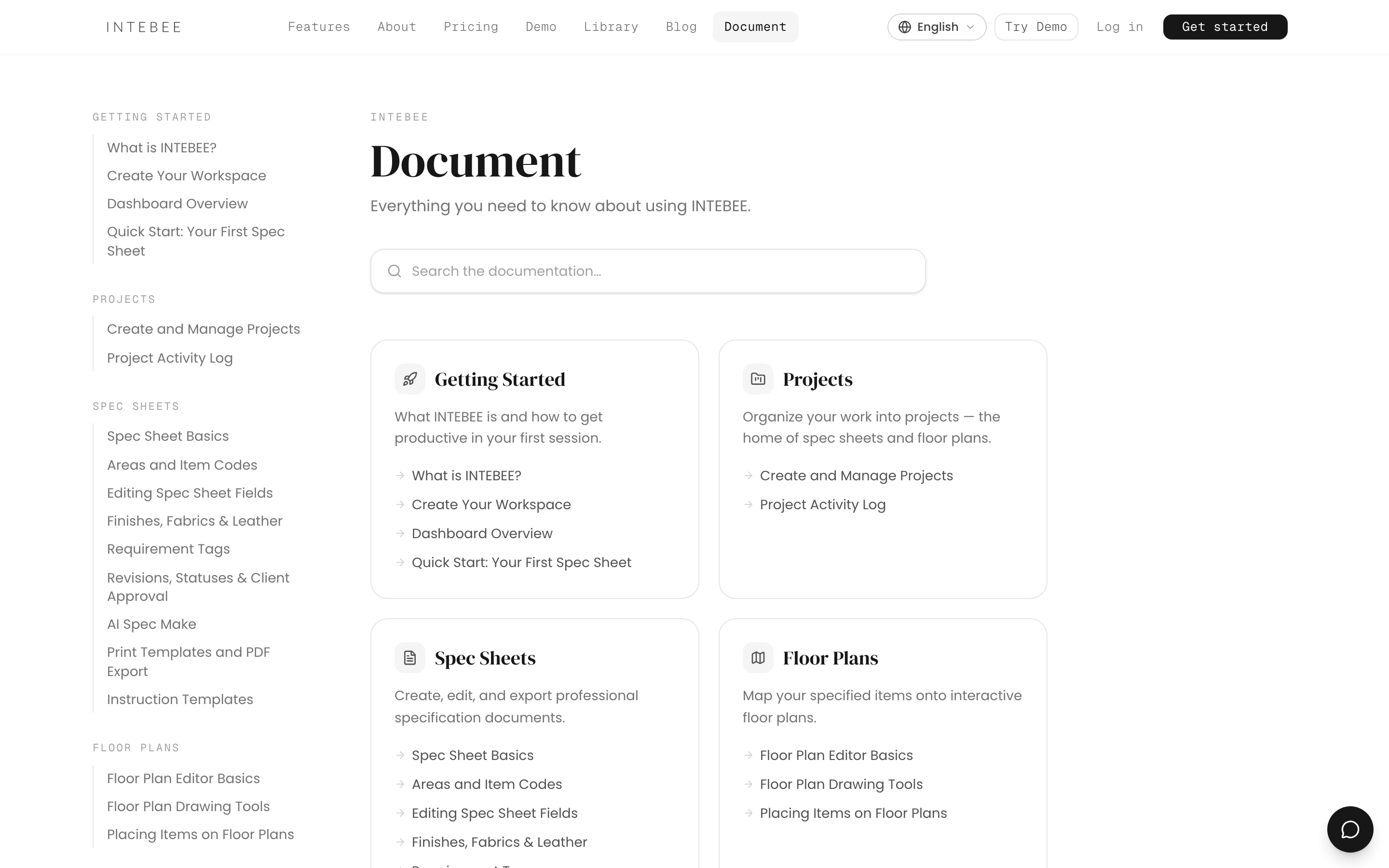
Dashboard Overview
What you see after logging in, and how the sidebar is organized.
After logging in you land on the Dashboard — a snapshot of your workspace with recent projects, activity, and quick links into your work.
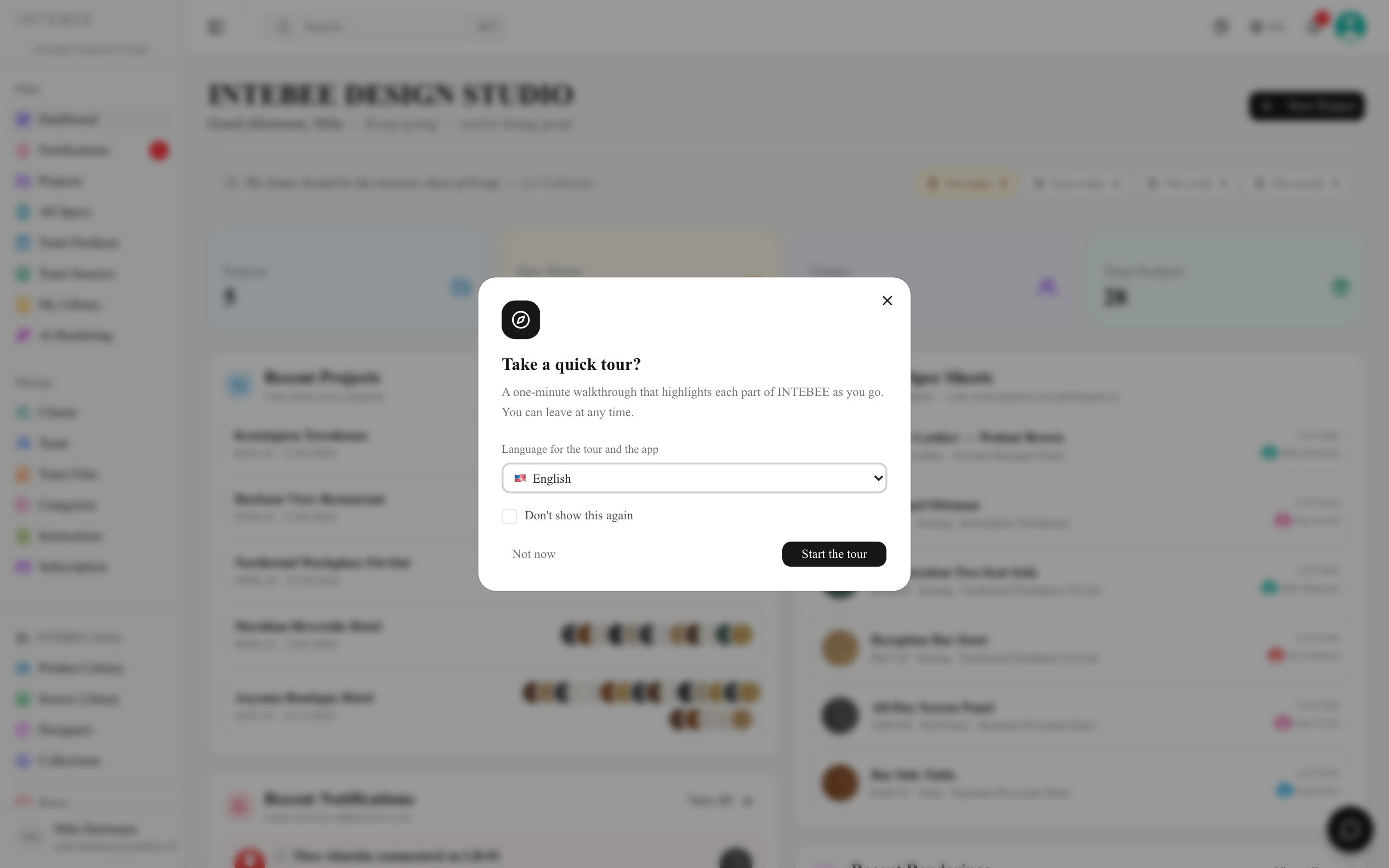
The sidebar
The sidebar is your main navigation, organized into three groups:

Main
- Dashboard — the overview page.
- Notifications — comments, mentions, and team activity addressed to you.
- Projects — every project in your workspace.
- All Specs — a cross-project list of every spec sheet (see All Specs).
- Team Products / Team Sources — your team's reusable catalog.
- My Library — your personal collection of saved products, sources, and designers.
- AI Rendering — generate interior renderings from your products.
Manage
- Clients — the client directory used by projects.
- Team — the member list: who is in the workspace, and their roles (see The Team page).
- Team Files — files shared across the whole team.
- Settings — the workspace settings hub: General, Labels, Templates, Categories, Data Export and Backup.
- Subscription — plan, AI credits, and billing. It is listed for admins only; a manager or member who opens it by its address sees Admin Access Only.
INTEBEE Library
The public catalog — Product Library, Source Library, Designers and Collections you can browse and pull into your own documents, plus INTEBEE News at the foot of the group: product releases and platform updates from INTEBEE (see The INTEBEE Library).
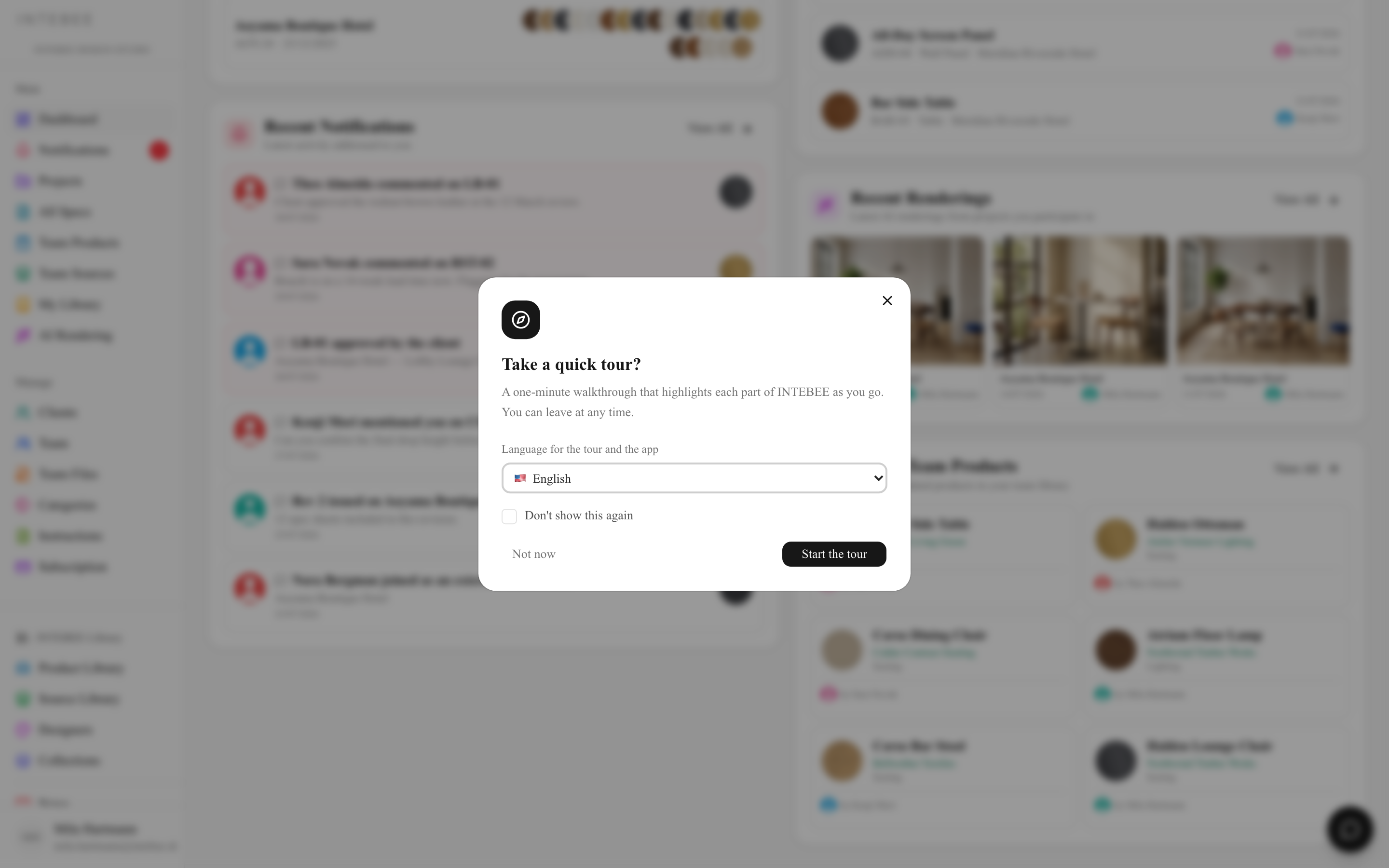
Recent Spec Sheets and Recent Renderings show activity from every project in the workspace to the workspace owner, admins and managers; a member sees the projects they are a member of.
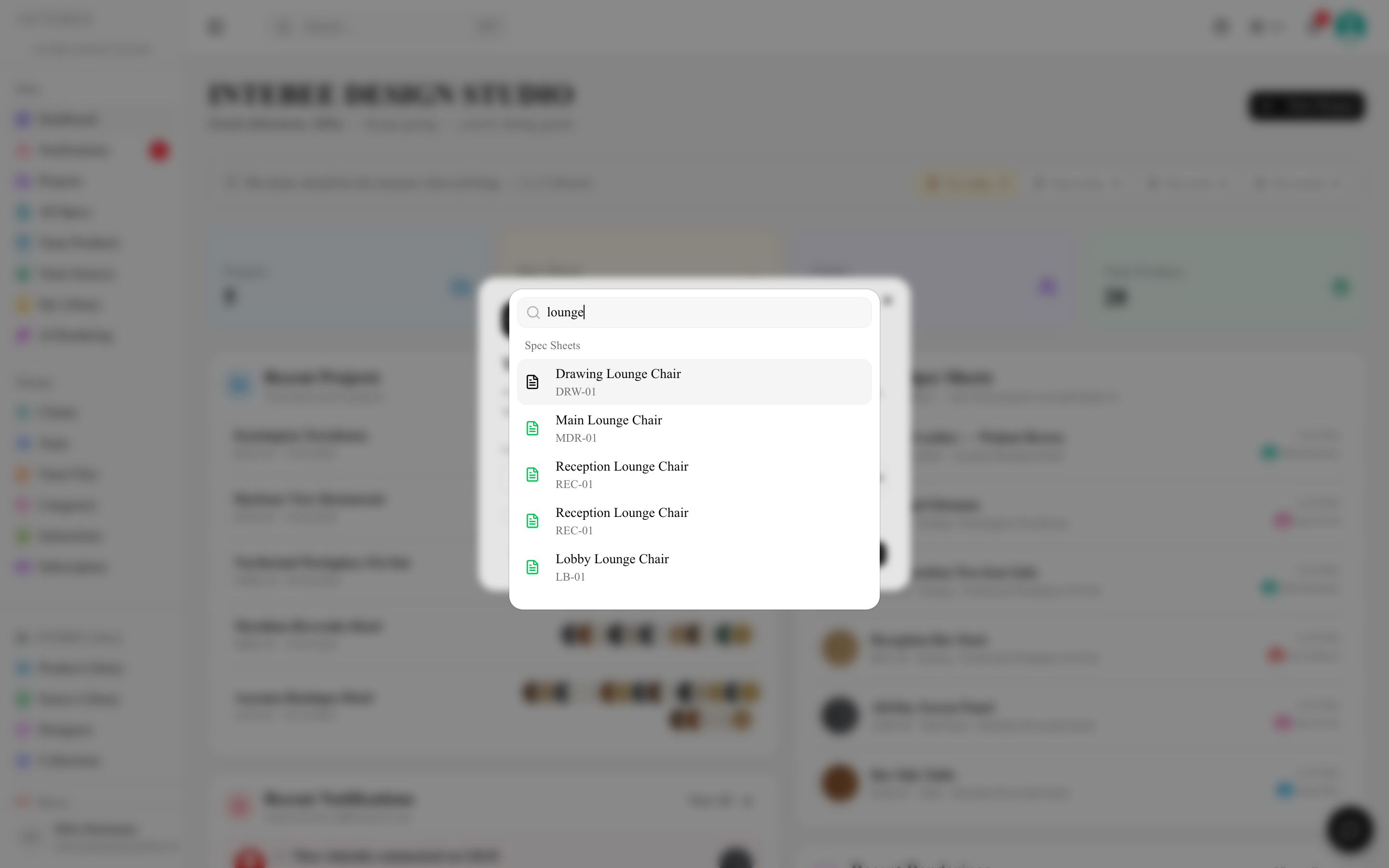
Global search
Press ⌘K (Ctrl+K on Windows) anywhere in the app to search projects, spec sheets, products, clients, sources, designers — and this Help Center. See Search tips.
Getting help
The Document link in the sidebar (and the help icon in the header) opens this Help Center in a new tab, in your interface language when available. The chat bubble in the bottom corner opens the INTEBEE Assistant, which answers from these same guides. See Help, tours and feedback.