
The INTEBEE Library: Designers & Collections
Browse the public catalog of curated products, brands, designers, and collections.
The INTEBEE Library section of the sidebar opens the public, curated side of INTEBEE — content maintained by the INTEBEE team and available to everyone.
Product Library
The curated product catalog, and the first entry in the group. Browse products by category, brand and designer, and save anything you want to keep into My Library — from where it can be imported straight into a spec sheet.
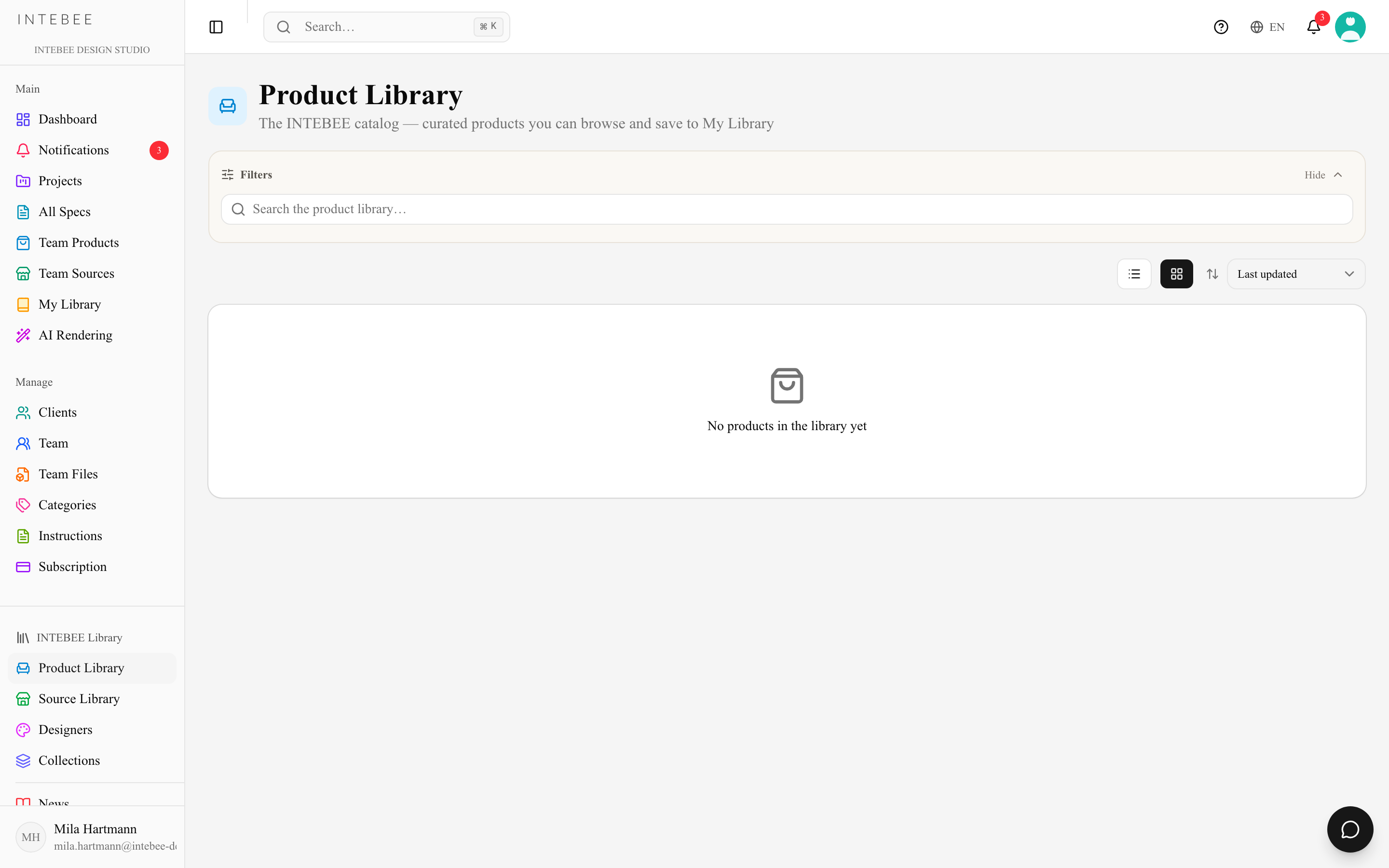
Source Library
A catalog of furniture brands and manufacturers with profiles, stories, and product listings. Use it to discover sources you don't already work with, then bookmark them into My Library.
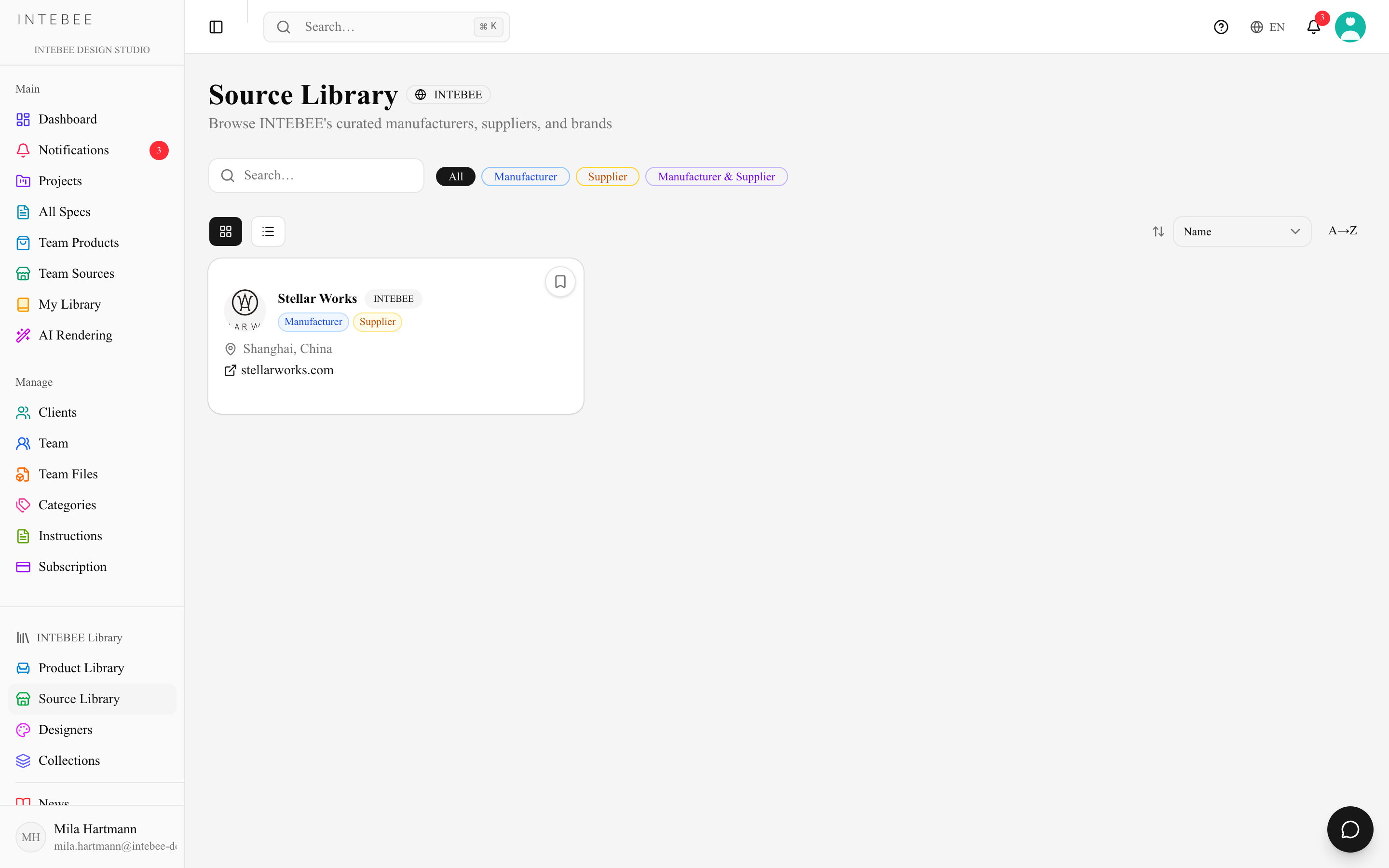
Designers
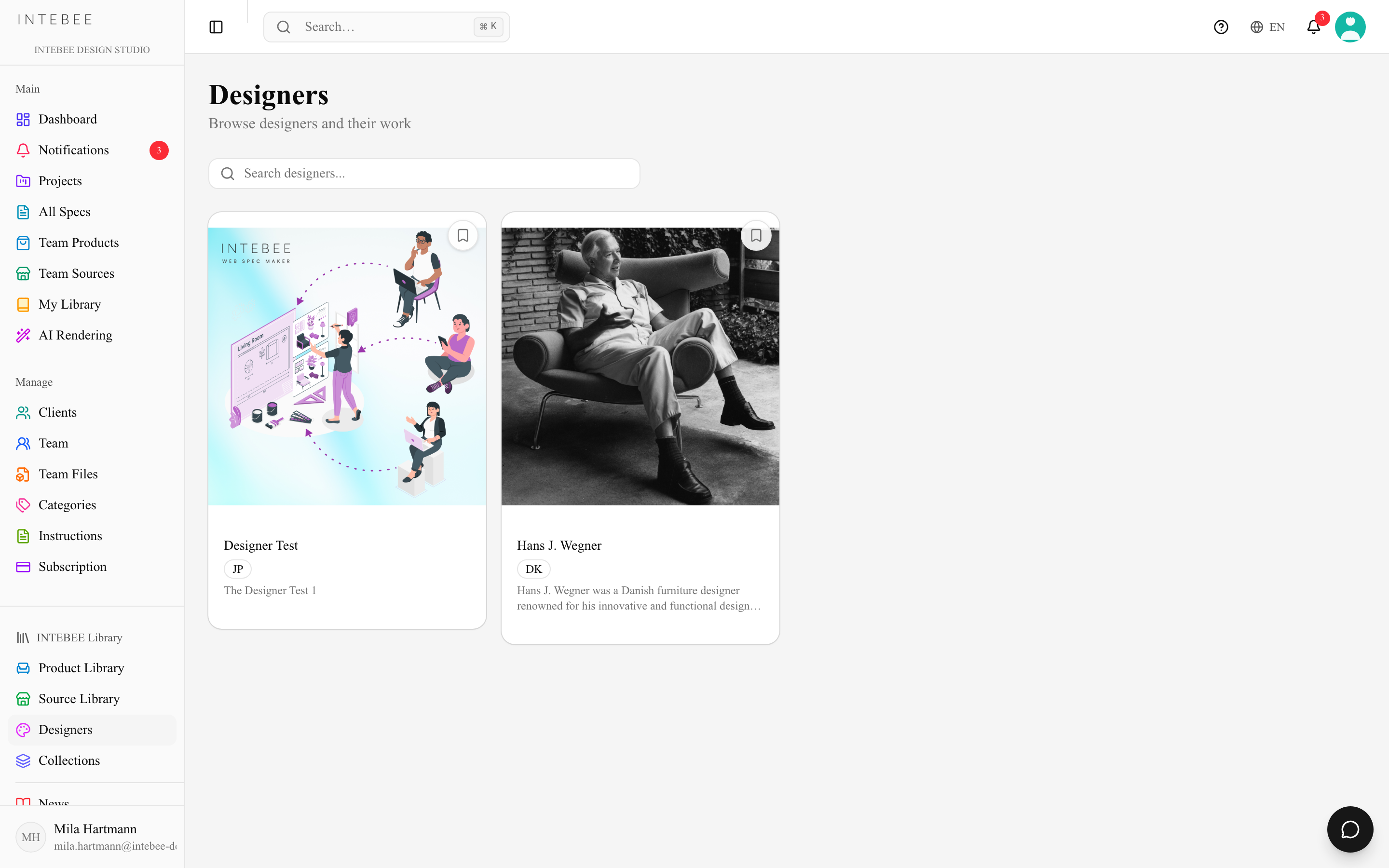
Profiles of furniture and interior designers — their story, notable works, and the products attributed to them. Designer links appear on products, so you can navigate from a chair to its designer to their other pieces.
Designer and collection pages are maintained by INTEBEE: the Edit button appears only for INTEBEE administrators. A designer's description is shown formatted (headings, bold text, lists), as on the public library.
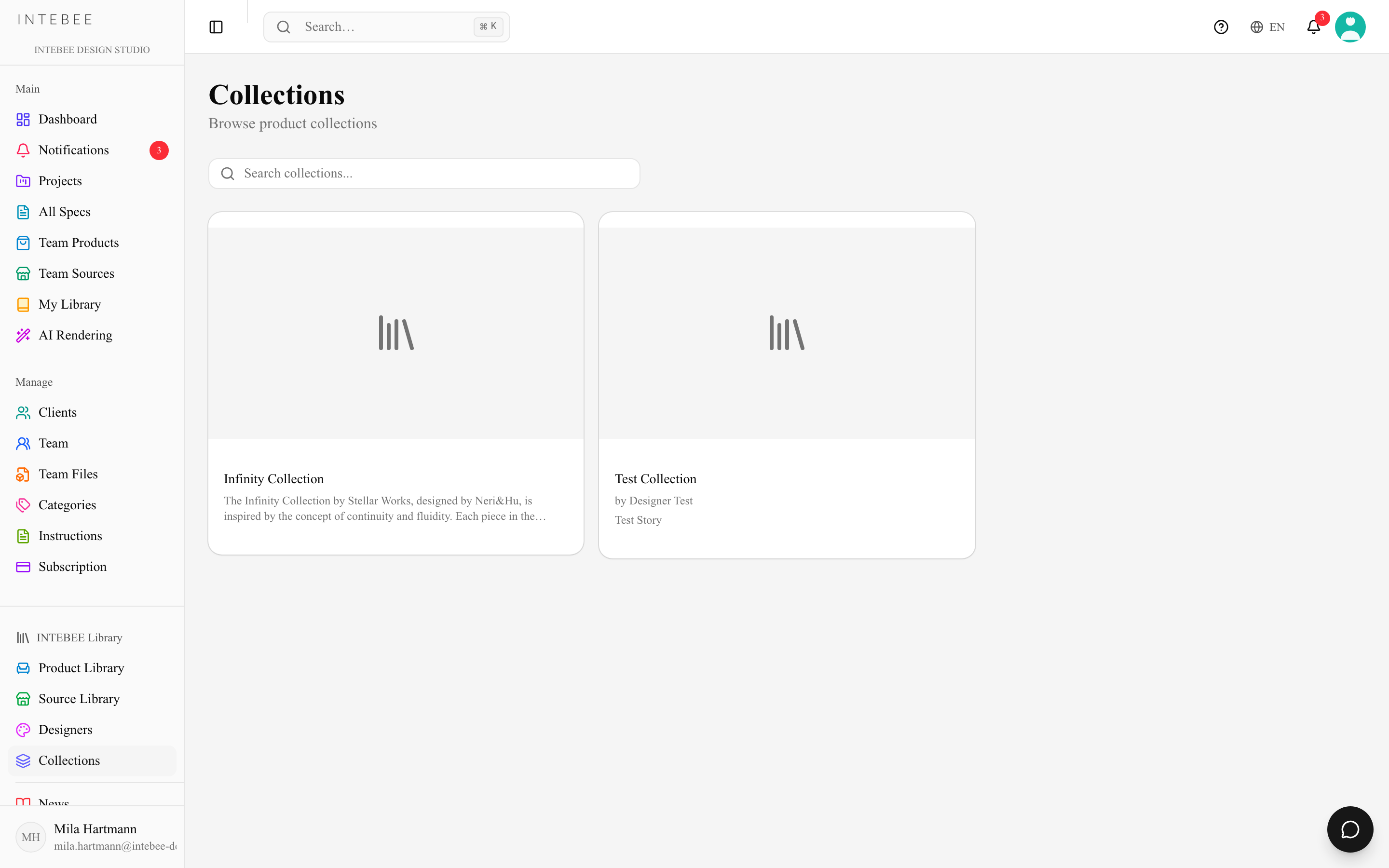
Collections
Curated groupings — a brand's product line, a style movement, a material story. Collections are a fast way to build a mood or find coherent families of products for a project.
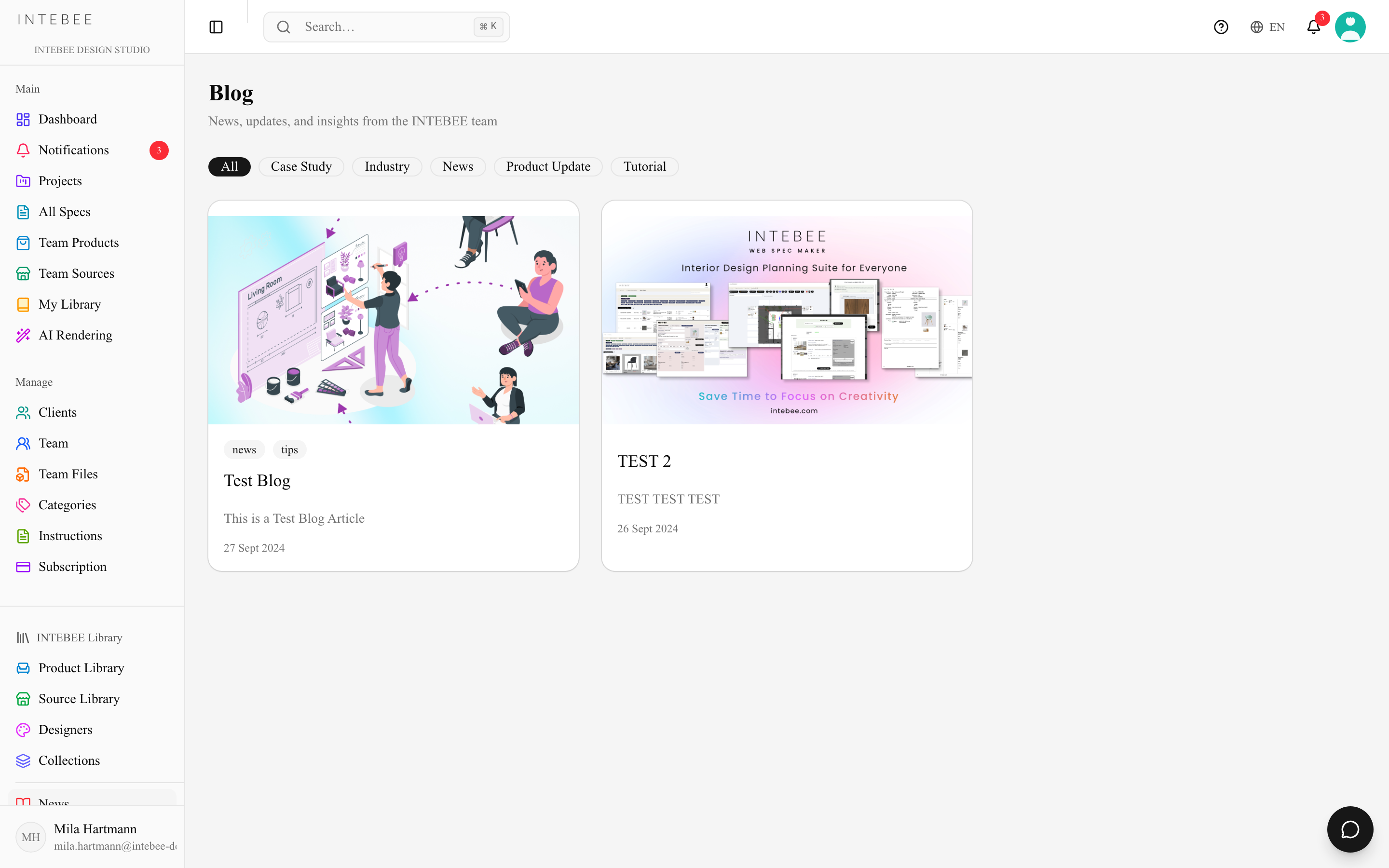
INTEBEE News
Product releases and platform updates from INTEBEE, localized into multiple languages. Inside the app it is the INTEBEE News item at the foot of the sidebar's INTEBEE Library group.
Multilingual
Library content is translated into 8 languages (English, 日本語, 中文, 한국어, Français, Deutsch, Italiano, Español). Inside the app these pages follow your App Language, so there is nothing extra to set; on the public marketing pages a language switcher sits in the header. Missing translations fall back to English.