Sources — Manufacturers & Suppliers
Manage the companies you buy from and specify, with contacts and terms.
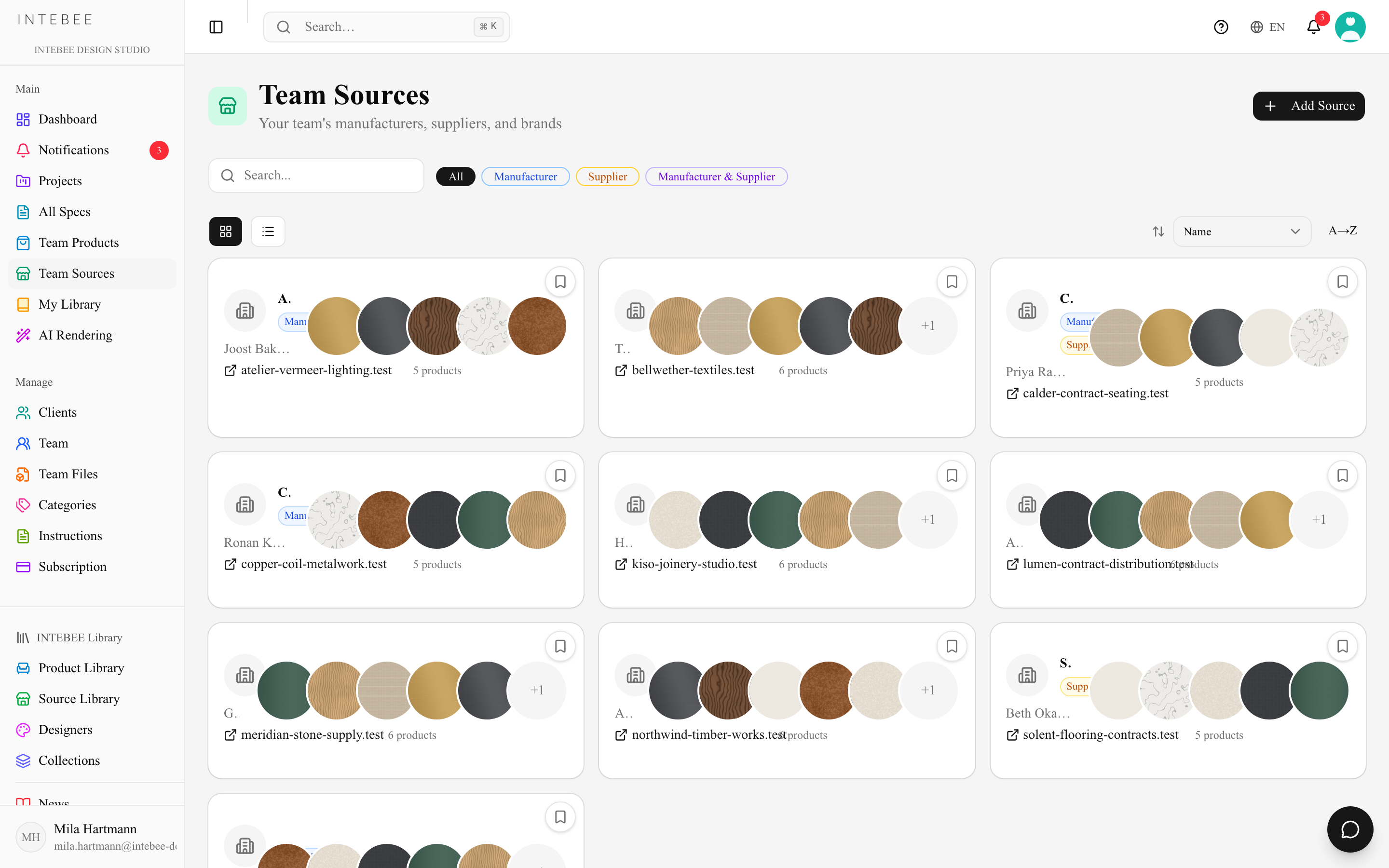
Team Sources is your directory of manufacturers and suppliers. Spec sheets and products reference sources, so keeping this directory clean pays off across every document you issue.
Source types
- Manufacturer — makes the product.
- Supplier — sells it to you.
- A company can be both — the type controls where it appears in pickers.
- Not set — a source with no type (common in imported data) appears in both the manufacturer and the supplier picker until you choose one. Saving a source never changes its type unless you pick a different one.
What a source holds
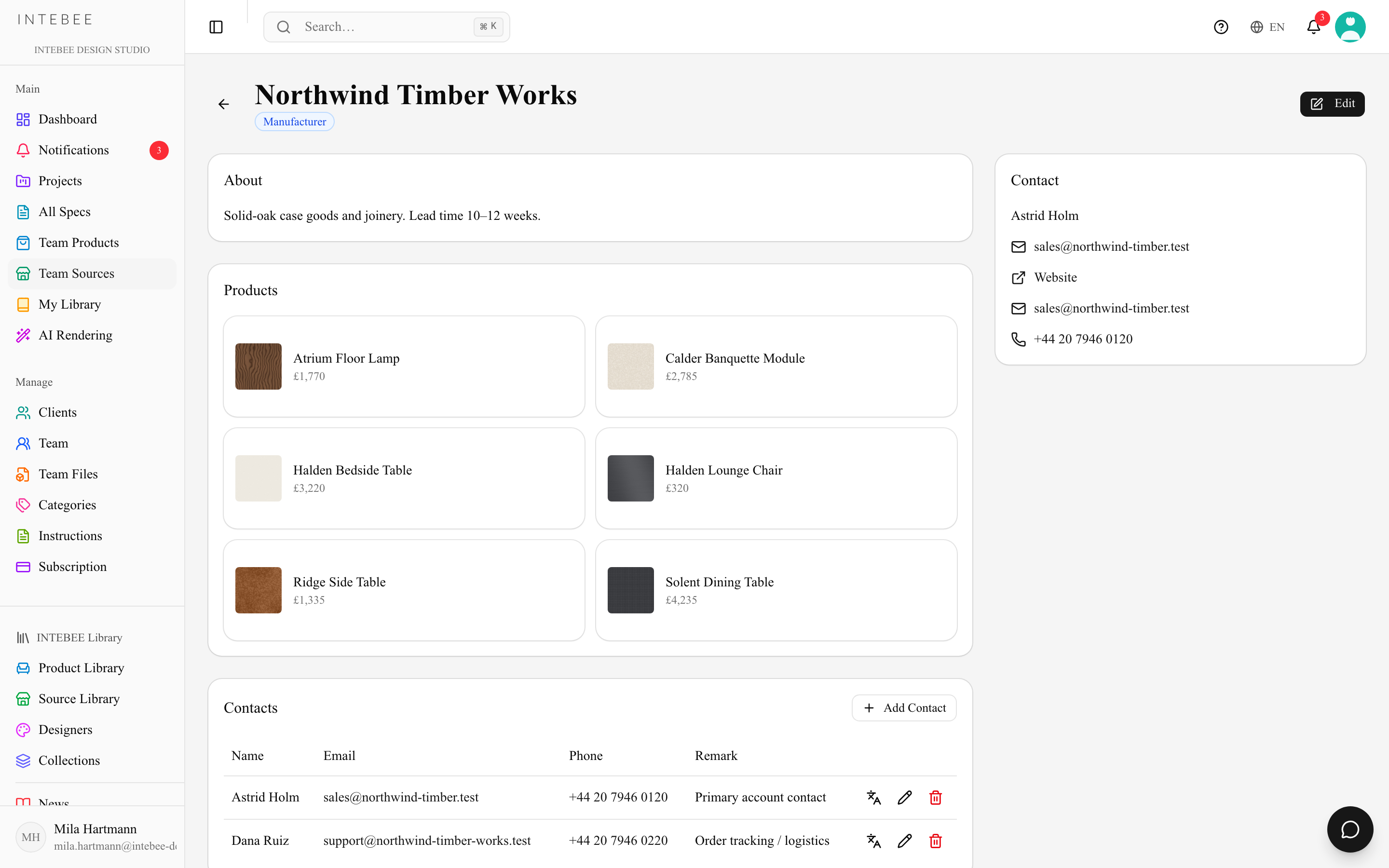
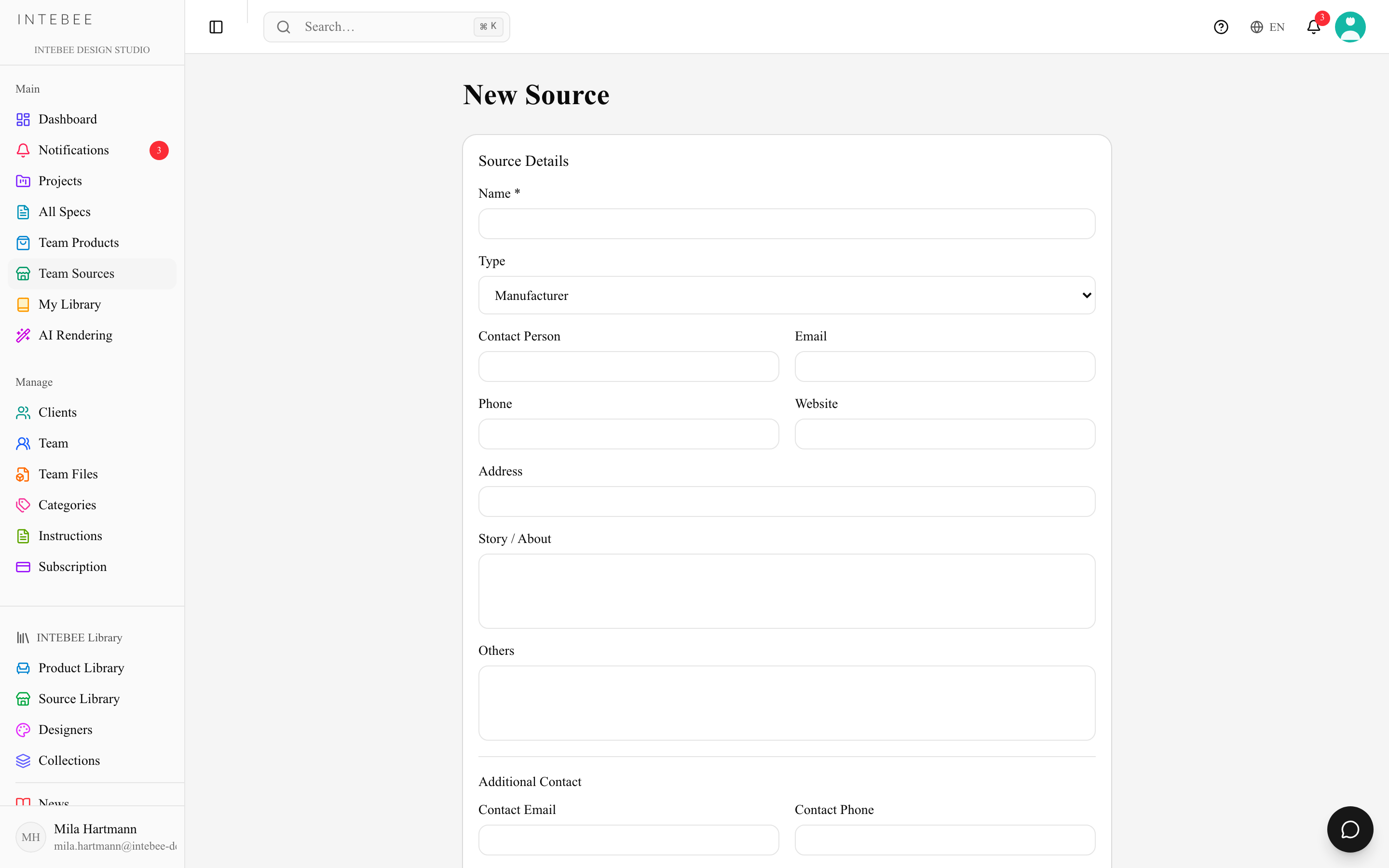
- Company profile — name, logo, country, website, story/description.
- Contacts — the people you deal with, with roles, emails, and phone numbers (multiple contacts per source).
- Terms and notes — discounts, lead times, minimums.
- Others — a free-text field for whatever doesn't fit the rest: the local agent, an account number, "quote via the Milan office".
Per-project overrides
The source record is shared by the whole team, which is exactly why you should not edit it for one job. Instead, edit the manufacturer or supplier card inside a spec sheet: the change is saved as that project's override, tinted amber, and marked Changed for this project only — the team's record is unchanged. When the project turns out to be right for everybody, Update Team Manufacturer / Update Team Supplier pushes it up; Use the team's values drops it. See Editing spec sheet fields.
Where sources appear
- Spec sheets — the manufacturer/supplier block on the printed document.
- Products — every catalog item links to its source.
- AI Spec Make — found manufacturers are matched against your sources, and an unmatched one can be added to the team database in one click.
A source's own page has a Usage card: how many spec sheets and products use the company, counted separately as manufacturer and as supplier — the same company can be the manufacturer on some sheets and the supplier on others. Deleted spec sheets and products are not counted, and a source nothing uses yet says so.
Choosing a source in a spec sheet
The manufacturer and supplier pickers have three tabs: Team Database, INTEBEE Database and This Project (the sources this project's spec sheets already use). The search box looks through the whole team directory, not just the rows on screen. The list shows 100 sources at a time — click Load more at the bottom for the next 100. Deleted sources are not listed.
Deleting a source
You can delete a source from Danger Zone on its edit page, or with the bin icon on a Team Database row in the picker. The picker first tells you how many spec sheets and products use the source. Deleting only removes the source from your team's lists: spec sheets and products that reference it keep its manufacturer and supplier details, and only an administrator can restore it.
Names and websites
- A source name must be unique within your team. Letter case, full-width or half-width characters and extra spaces do not make a new name — "HAY", "HAY" and "HAY " are the same company.
- The website field accepts what you type, including several addresses in one field. An address without
https://(for examplekvadrat.dk) is saved withhttps://so it opens as a link. - The source record — type, name, website, contacts — belongs to the team, so a change applies to every project.
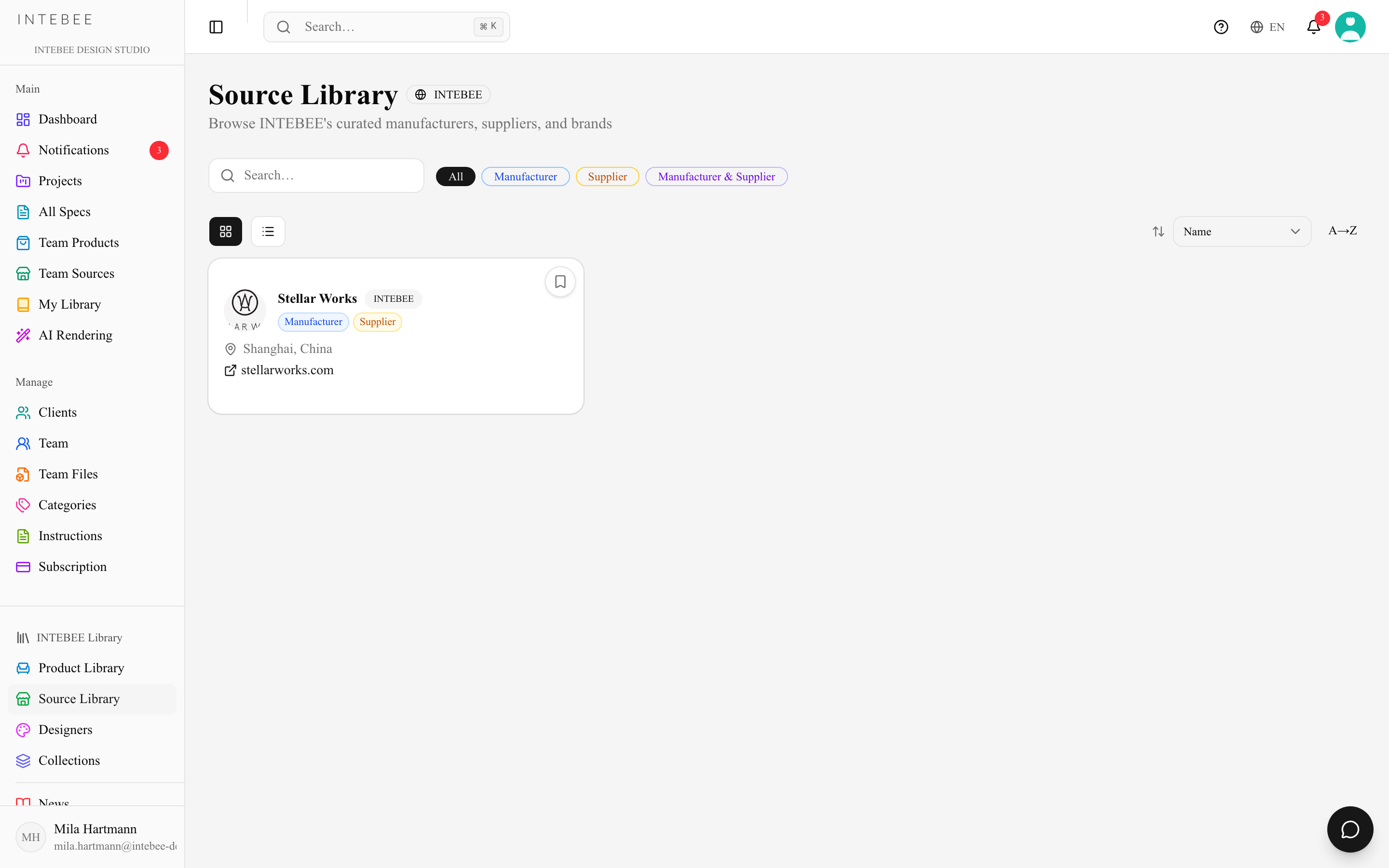
The INTEBEE Source Library
Beyond your team's own directory, the Source Library (sidebar → INTEBEE Library) is a public, curated catalog of brands and manufacturers. Browse it for discovery and save entries to My Library — protected catalog entries stay read-only, so the public data remains trustworthy.