
Your Account Settings
Profile and avatar on My Account, password, email preferences and account deletion, and the language and text-size controls in the header.
Your personal settings sit in three places, and it's worth knowing which is which. None of them affect teammates or workspace data.
My Account — profile, avatar and the tour
Open the user menu (top right) and choose My Account.
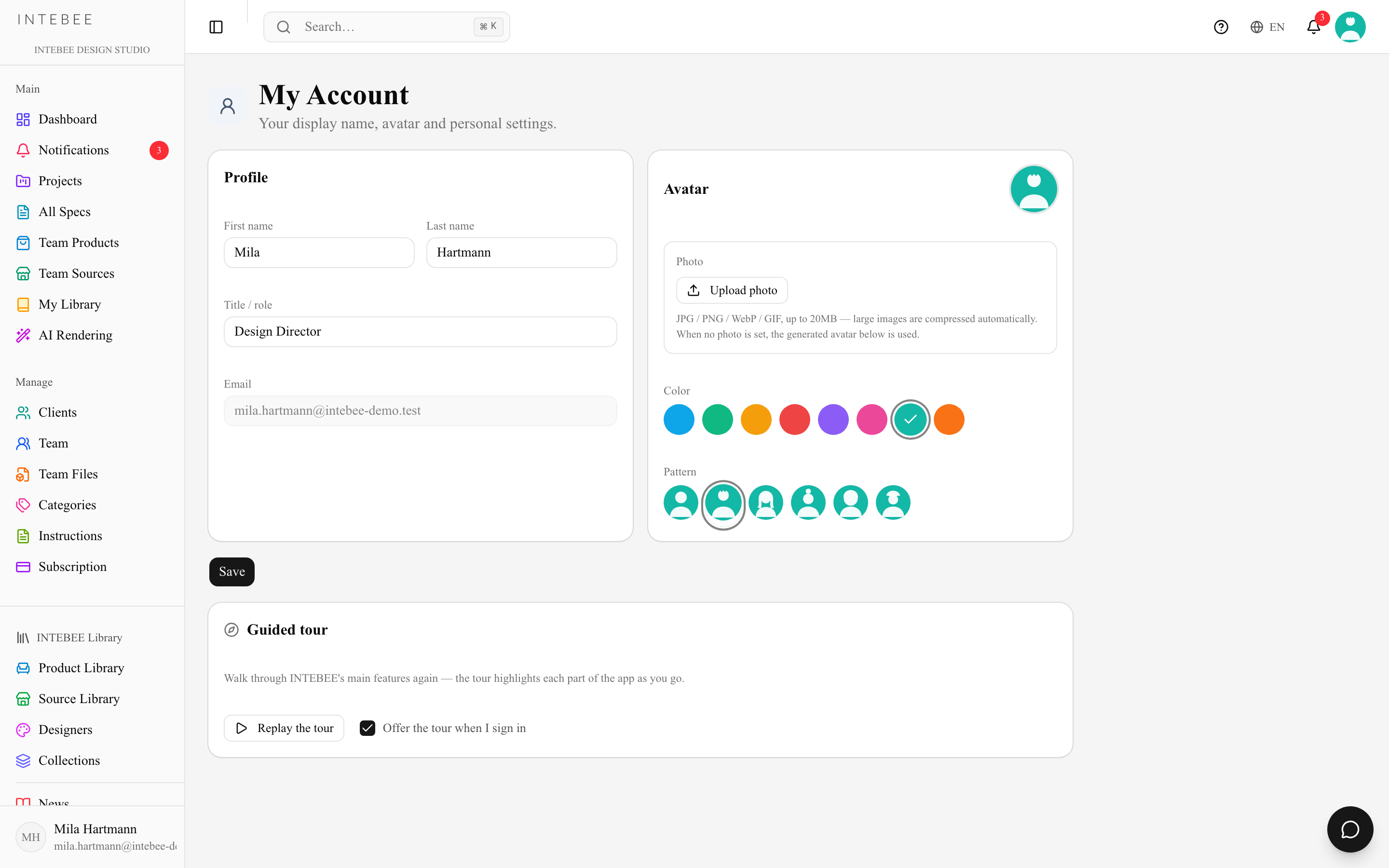
Profile — First name, Last name, Title / role (e.g. "Interior Designer") and your Email. Your name is what appears on comments, activity logs and the team member list. Press Save. First name is required.
Avatar — three tabs:
- Photo — Upload photo, then Replace photo or Remove photo. An uploaded photo is shown instead of the generated avatar.
- Color and Pattern — every account gets a distinct generated avatar; pick the colour and pattern you want.
Guided tour — Replay the tour walks you through the app's main features again, and Offer the tour when I sign in controls whether the prompt appears at sign-in. See Help, tours and feedback.
Change Password — enter a New Password (at least 8 characters), repeat it under Confirm New Password, and click Update Password. Forgot it? Use Forgot your password? on the login page instead; a reset link is emailed to you.
My Account does not hold your app language. That is the next section.
Which Settings?
Mind the two Settings: the Settings entry in the user menu and in the sidebar opens the workspace settings hub — language, templates, categories, export, backup — which is a different thing and affects the whole team.
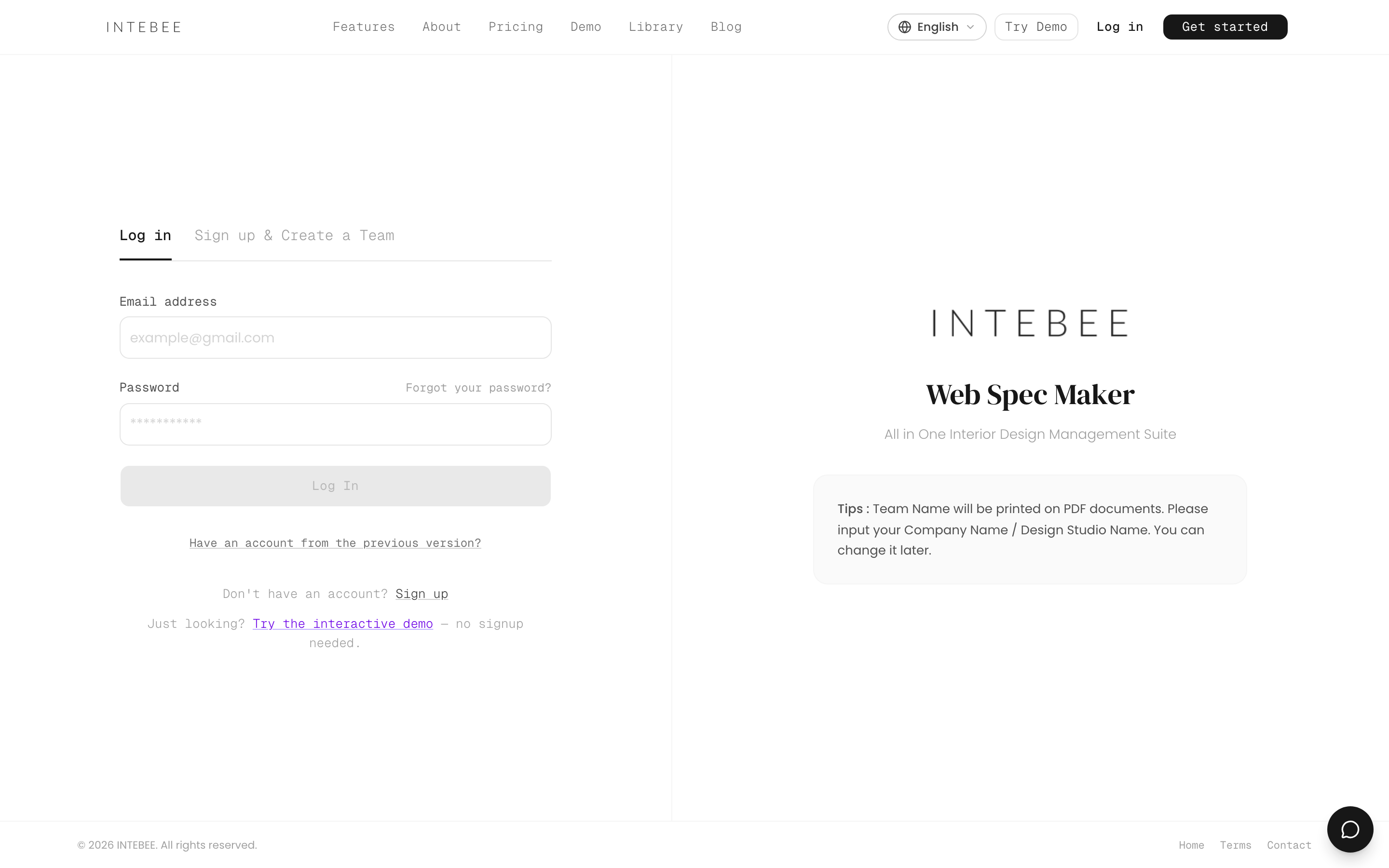
- Migrated from the previous (Bubble) version of INTEBEE? Sign in on the login form with your email address. Until you have set a password in the new INTEBEE, whatever you type as the password takes you to the 6-digit code screen: enter the code we email you, then set your new password. The Set my password button in the renewal email opens the Previous Version Account dialog with your address already filled in, and Have an account from the previous version? under the login form opens the same dialog.
The header — language and text size
Two controls sit in the app header rather than in any settings page:
- App Language — the globe button, and the same picker at the bottom of the user menu. English, 日本語, 中文, 한국어, Français, Deutsch, Español, Italiano. It translates menus and labels only; your projects, spec data and documents keep their own language settings.
- Display Font Size — in the user menu. Step the whole interface between 85% and 150% in 5% steps, with a reset back to 100%. It is remembered in your browser, and PDF print layout is not affected — this is for reading comfort on screen, not for the documents you issue.
Email preferences
Product news and campaign emails on My Account — new features, tips and offers from INTEBEE. It is a setting of your account only (it doesn't change anything for your teammates) and is on by default.
- Turn it off and you receive important notices only: messages about your account or the service that everyone must get.
- Every product-news email ends with an Unsubscribe link. It opens a page in your app language (no sign-in needed); press Receive important emails only to switch this setting off — just opening the link changes nothing, so mail security scanners can't unsubscribe you by accident. The next page has an Undo button. Your mail app's own unsubscribe button switches it off in one step.
- Not affected: the email you need to use INTEBEE — password resets, verification codes, invitations, notifications, subscription receipts and backup links. That always goes to your account email, so keep it current, especially if you are the admin receiving billing mail.
Danger zone — delete your account
At the bottom of My Account, Delete my account… asks you to type your email address to confirm. After that:
- you are removed from every workspace and project and signed out everywhere;
- you can't sign in again, and INTEBEE sends you no more email of any kind;
- spec sheets, comments and history you created stay with your teams and keep your name.
It can't be undone. Two situations block it until you deal with them, and the card says which:
- You own a workspace that has other members — delete or remove the other members first, or write to support@intebee.com to transfer ownership.
- A workspace you own has an active subscription — cancel it on the Subscription page first.
A workspace you own with no other members is deleted together with your account.