
Project Activity Log
See who changed what, and when, inside each project.
Every project keeps an activity log — a timeline of meaningful changes so the team can answer "who changed this and when?" without asking around.
Where to find it
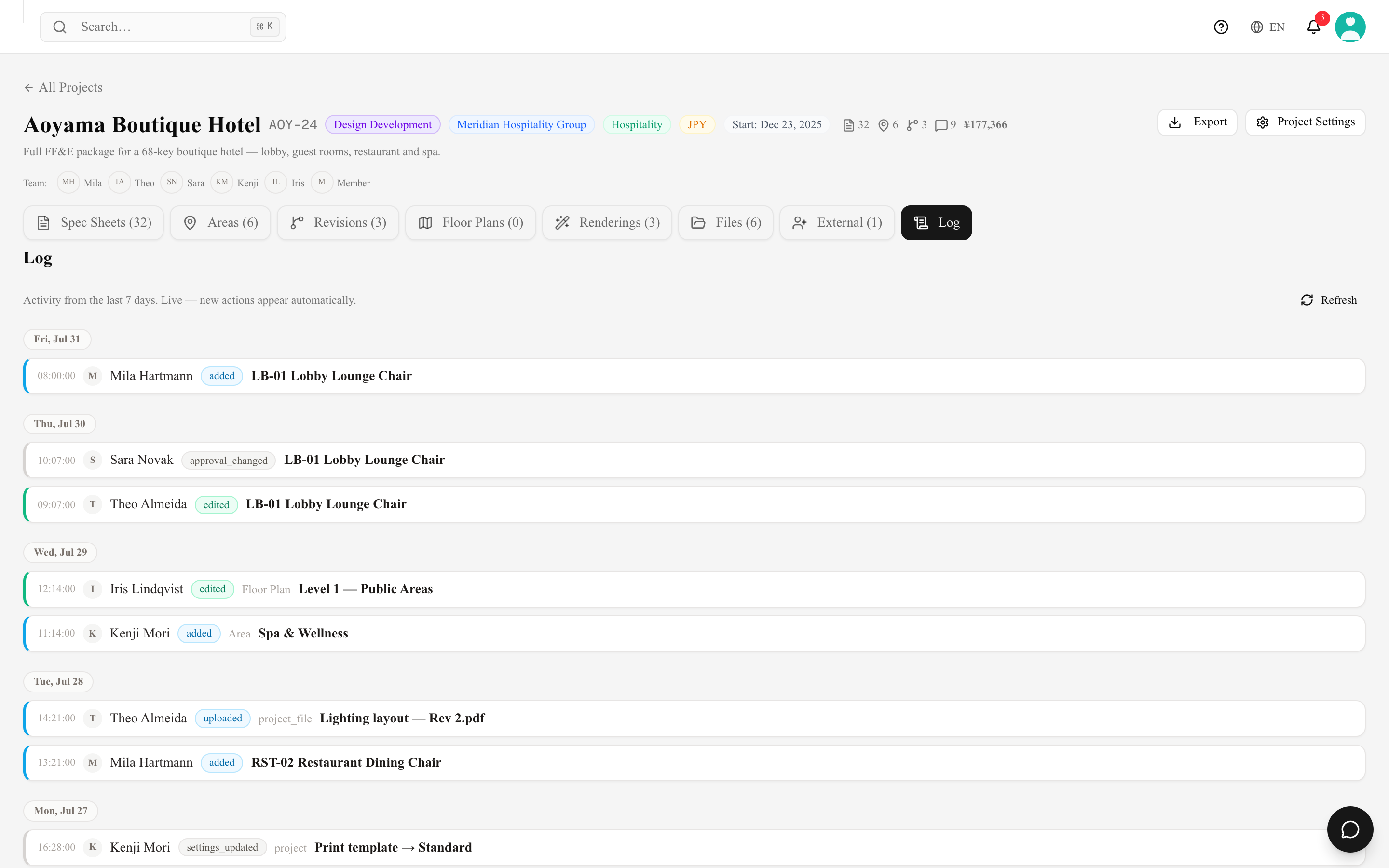
Open a project and switch to the Log tab. Entries are grouped by day, newest first, each with the member who made the change, what was affected, and a timestamp. New entries stream in live, so the tab does not need reloading: Activity from the last 7 days. Live — new actions appear automatically.
What gets logged
- Spec sheets — created, duplicated, edited (field by field, with the old and new value), linked to or unlinked from a product, deleted, restored from the Trash.
- Areas and revisions — added, edited (for a revision: code, name and issue date), removed.
- Floor plans — creation, duplication, renaming, archiving / unarchiving and deletion; drawing on a plan afterwards is not logged. Deleting a plan and restoring it from Deleted are logged too.
- Files — uploads, renames and category changes, archiving, and deletion.
- Comments — a comment on a spec sheet appears as commented on.
- Project settings — each change with the setting's name and its old and new value in words, for example Item Code Logic: Number Only (001) → Area + Number (BAR-001 | 001) or a client's name rather than an internal id.
- Members — external collaborators added or removed.
Long text fields (description, remarks, notes, instructions) are recorded as changed rather than reproduced in full, so the log stays readable.
An action on several spec sheets at once — Delete Selected, Change Area, Change Revision or Restore Selected — is logged as one entry: the number of sheets and their first item codes (for example 100 × Z01-001, Z01-002, …), with the area, revision or item code change summarised.
Internal Memo changes are logged too, as their own entries marked Members only — the old and new text (up to 120 characters), who changed it and when, merged within 10 minutes like other edits. Only workspace members see these entries. External collaborators on the project never see them: not in the Log tab, not in its live feed, and not in any count.
How far back it goes
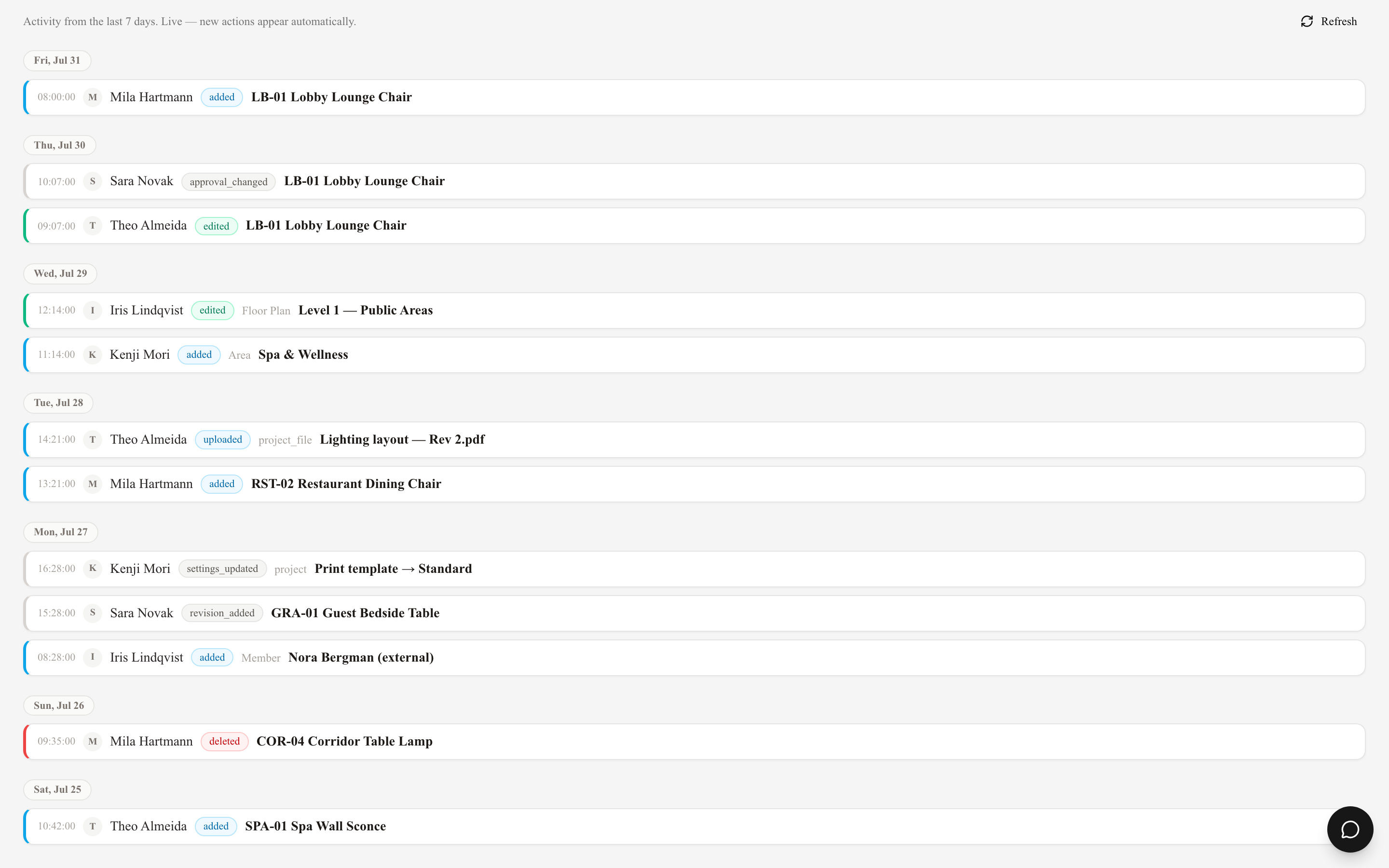
The tab shows the last 7 days. Entries are kept for 14 days in total and then deleted automatically, so the log is a working record of recent activity, not a permanent archive. For a lasting record use revisions and the exported document set.
Autosave would otherwise flood the log: edits by the same person to the same item within 10 minutes are merged into a single entry, which keeps the first value and the latest one.
Tips
- Use the log before a client meeting to review what changed since the last revision.
- Combined with revisions on spec sheets, the log gives you a full audit trail of the project's documentation.
- Everyone who can open the project sees the log — external collaborators on the project included, except the Members only entries.