Notifications & Comments
Keep discussions attached to the work, and never miss a mention.
INTEBEE keeps communication where the work is: comments live on spec sheets and products, and notifications bring the relevant ones to you.
Comments
- On spec sheets — open a sheet and write in its comment thread. Attach images (a site photo, a damaged delivery, a color sample) directly in the comment.
- On products — sourcing knowledge ("12-week lead time", "discontinued in walnut") belongs on the product, visible to everyone who specifies it.
- Seen by — when a workspace member opens a spec sheet, they are recorded as having read its comments. Under each comment, members see Seen by with the names (you appear as You); the author is not listed. External collaborators are never recorded and don't see the list.
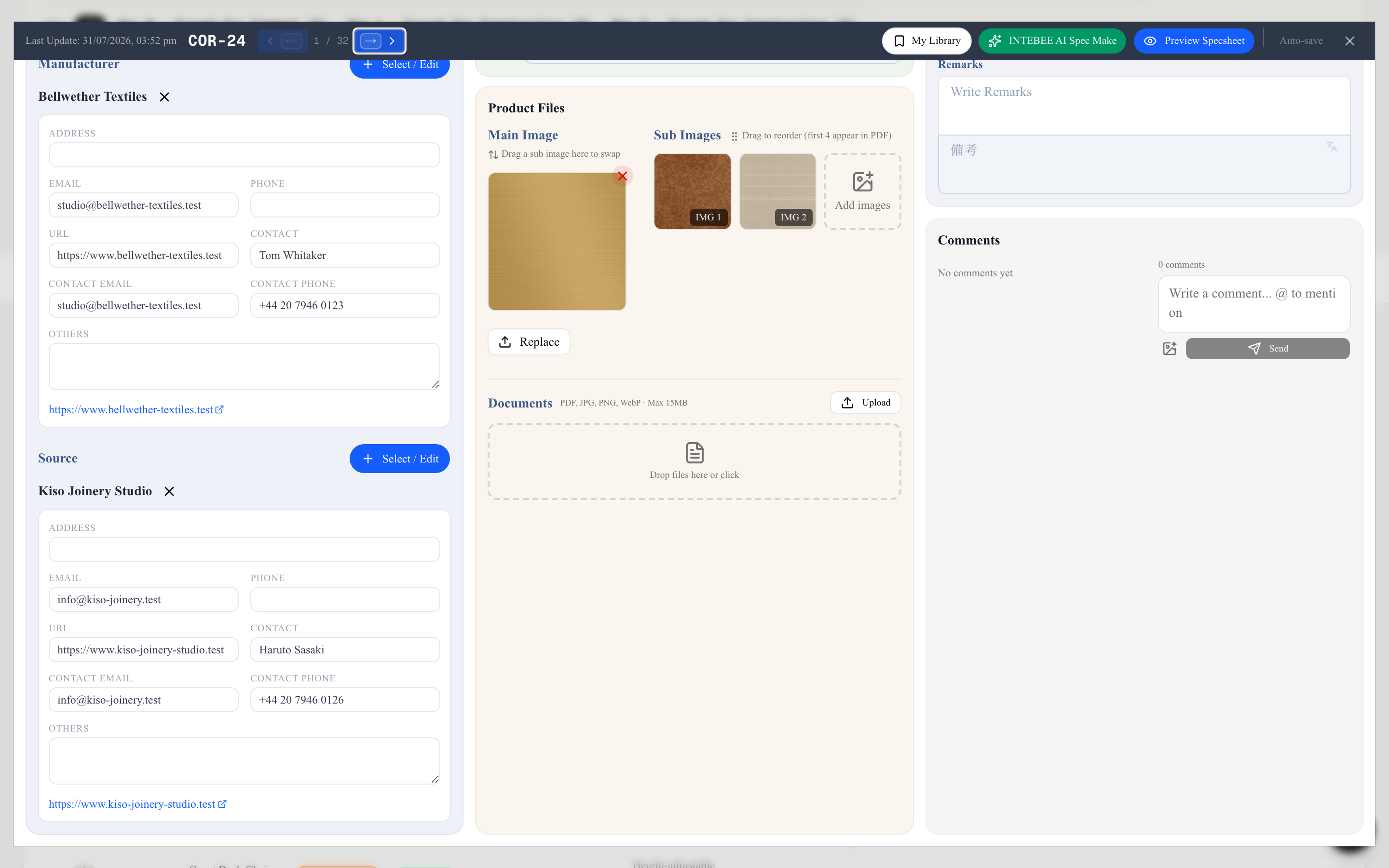
Your own comments show a pencil and a trash icon beside the time: Edit comment changes the text in place, and Delete comment asks first, then removes it for everyone on the project. When you mention someone with @, the box shows just @Name, and they get a notification naming you. A deleted comment also disappears at once from the screens of others who have the sheet open. External collaborators see the name of each comment's author.
Notifications
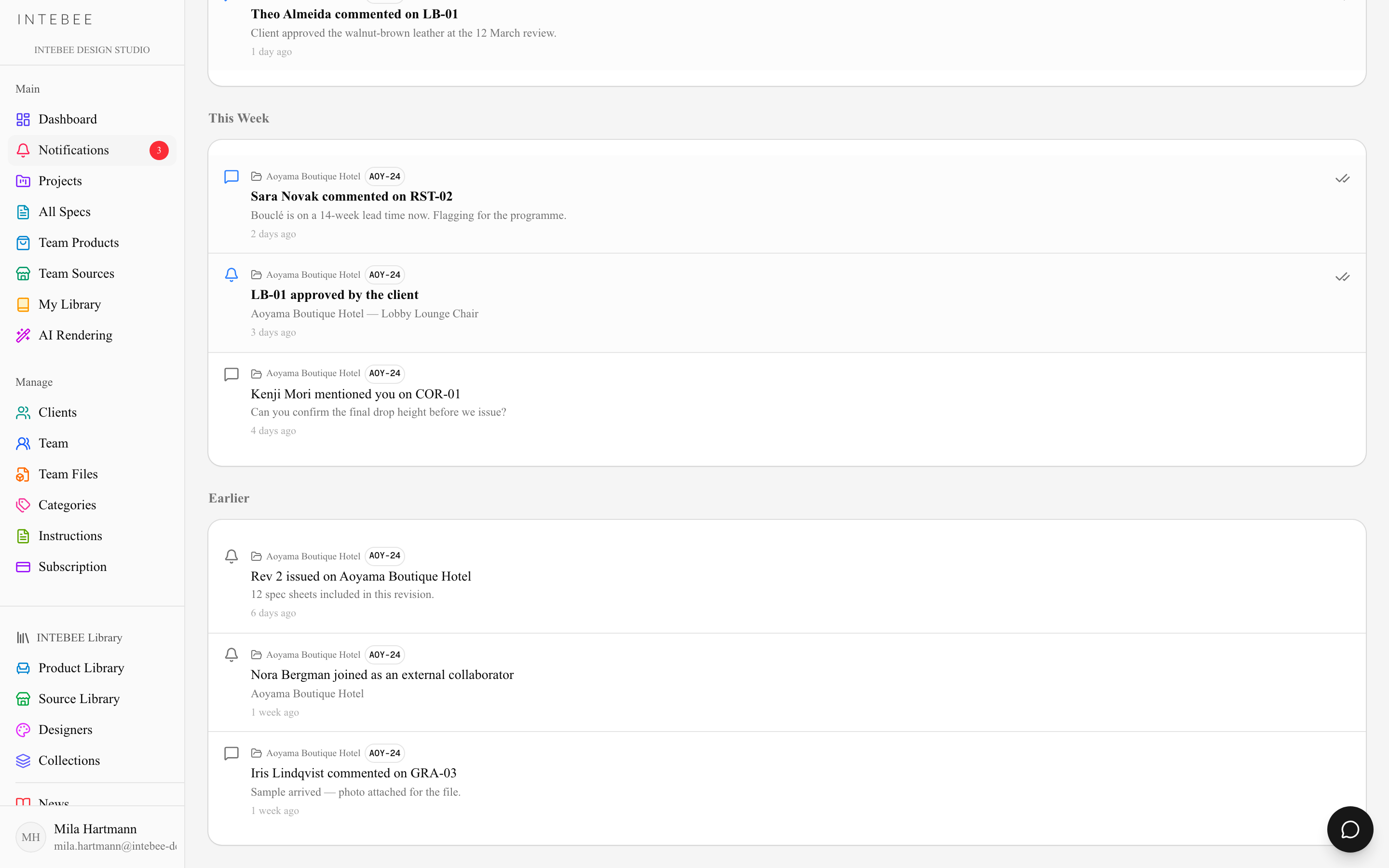
Open Notifications in the sidebar (the badge shows your unread count, updated in real time):
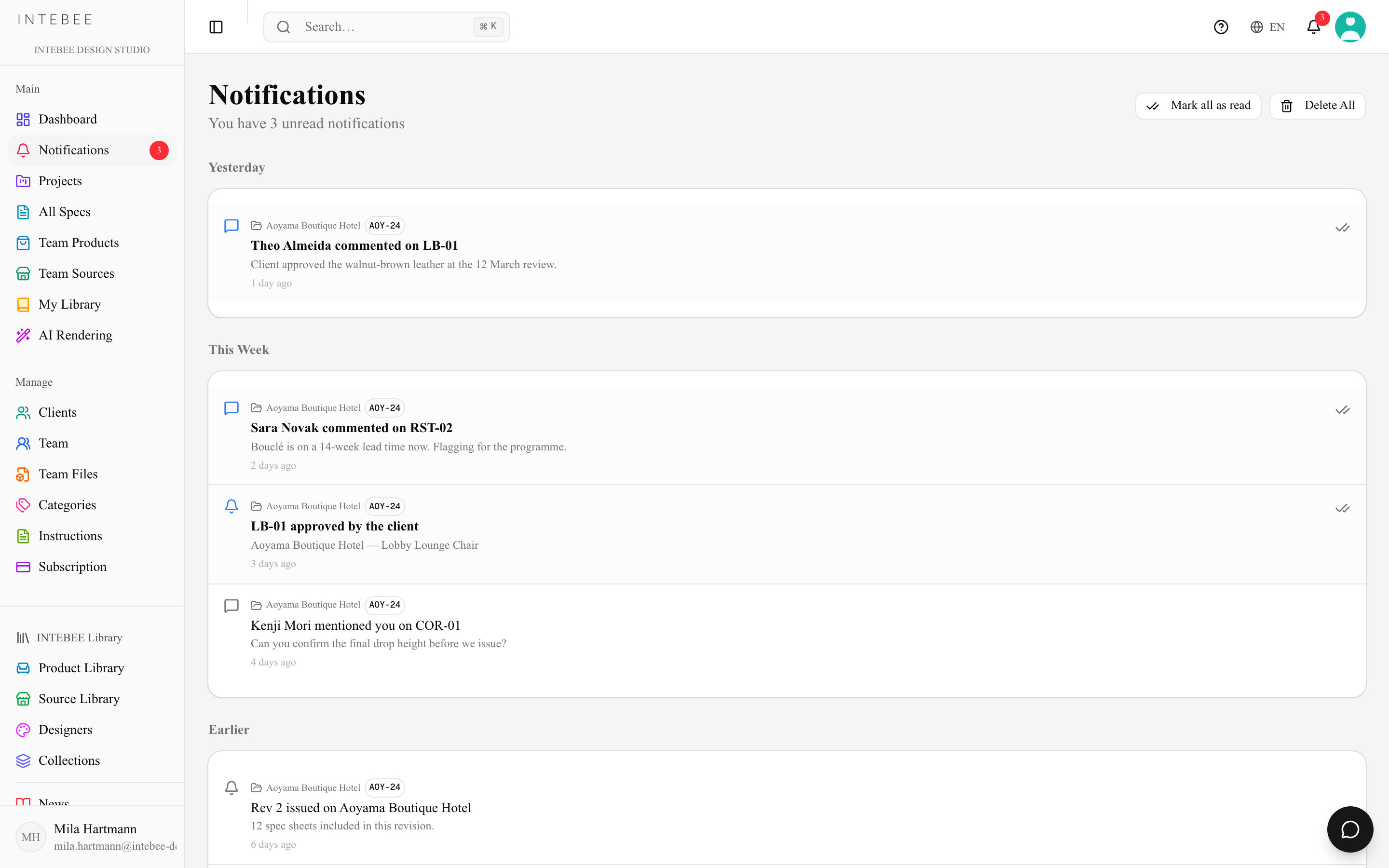
- New comments on items you're involved with.
- Team activity addressed to you.
- Click a notification to jump straight to the sheet or product in question.
The bell icon in the header shows the same feed from anywhere in the app.
The page shows the 50 most recent notifications; Load more adds 50 at a time, and the line below the list says how many are shown (Showing 50 of 120). Notifications about a project you can no longer open — you were removed from the project or from the team — are hidden, and come back if your access is restored.
Delete All asks first in a dialog ("Every notification in your list is deleted. This cannot be undone.").
Practical habits
- Decide in comments, not in chat apps — six months later, the "why" is still attached to the item.
- Use an image comment instead of a paragraph when the problem is visual.
- Check Notifications at the start of a session; it's the fastest way to see what moved while you were away.